> ## Documentation Index
> Fetch the complete documentation index at: https://docs.replit.com/llms.txt
> Use this file to discover all available pages before exploring further.
# Replit Apps
> Replit Apps help you transform your ideas into apps anyone can access, anywhere.
export const YouTubeEmbed = ({videoId, title = "YouTube video", startAt}) => {
if (!videoId) {
return null;
}
let url = "https://www.youtube.com/embed/" + videoId;
if (startAt) {
url = url + "?start=" + startAt;
}
return
;
};
export const EnterpriseWorkspaceStorage = 'Custom';
export const TeamsWorkspaceStorage = '256GB';
export const CoreWorkspaceStorage = '50GB';
export const StarterWorkspaceStorage = '2GB';
## What is a Replit App?
Replit Apps are cloud-hosted projects that contain code, data, and assets.
You can create, run, and publish them from a secure, isolated environment.
Replit Apps integrate with the following tools in the Project Editor to provide
a seamless development experience:
* **AI-powered tools**: Use Agent to create, debug, and explain your code.
* **Collaboration**: Work with others in real time on the same app.
* **Publishing**: Publish your app to the cloud with a single click.
* **Templates**: Start your app quickly using preset configurations for various use cases.
## Getting started
For step-by-step instructions on creating Replit Apps, see the following Quickstart guides:
* [Remix an App](/build/remix-an-app)
* [Build your first app](/build/your-first-app)
* [Build from Scratch](/learn/effective-prompting)
To open a Replit App, log into Replit and open it in the Project Editor using one
of the following methods.
1. Select  **Create App**.
You should see the following screen:
**Create App**.
You should see the following screen:
 2. Select one of the following options:
* **Create with Replit Agent**: Use AI-powered tools to create a new Replit App.
* **Choose a Template**: Create a new Replit App based on an existing one.
* **Import from GitHub**: Create a new Replit App from a GitHub repository.
3. Complete the dialog prompts to start a new Replit App.
To access a Replit App you created previously, select
2. Select one of the following options:
* **Create with Replit Agent**: Use AI-powered tools to create a new Replit App.
* **Choose a Template**: Create a new Replit App based on an existing one.
* **Import from GitHub**: Create a new Replit App from a GitHub repository.
3. Complete the dialog prompts to start a new Replit App.
To access a Replit App you created previously, select  **Apps** from the left sidebar.
## Key features
Replit Apps offer the following features:
* **Zero-setup:** Create apps or write code directly on Replit.com without any installs or configuration.
* **Auto-save:** Your project continuously saves changes to the cloud and lets you resume coding from any web browser
* **Version Control:** Track changes, explore file history, and sync your files without any configuration, through Replit's version control systems
* **Public/Private Visibility Controls:** Control who can view, run, or create a Remix of your app with privacy settings
* **Publishing:** Publish your code to the cloud without making any complex configuration changes
* **Custom App URLs:** Get a unique URL for your app or assign a custom domain for a professional presence
Files uploaded to your project file system are only available during development and
aren't accessible to your published app or other builders. Use [Object
Storage](/references/data-and-storage/object-storage) to handle
builder uploads and serve files and [Replit
Database](/references/data-and-storage/sql-database) to store and
retrieve data for your app and users.
To learn more about Project Editor tools that streamline Replit App creation, see [Project Editor Overview](/learn/projects-and-artifacts/project-editor/).
## How it works
When you create a Replit App, Replit sets up a private space for your project in the cloud.
As you add features and modifications to your app, Replit saves your changes
automatically so you can resume editing from any web browser.
Replit provides pre-configured environments with all the necessary components.
This lets you start creating your app immediately without worrying about
server configuration, database setup, or environment management.
Replit automatically assigns each Replit App a unique web address where you
can preview your app while you're working on it. When you're ready to share your
creation, you can publish it with just a few clicks to make it available 24/7.
## Storage Overview
Replit offers four primary types of storage to meet your application's data needs. Each storage type serves different use cases and has specific limits based on your plan.
Storage limits include all data stored by your app, including installed
packages and dependencies.
| Storage Type | Description | Use Cases | Persistence | Plan Limits |
| --------------------------------------------------------------- | --------------------------- | ---------------------------------------------------- | ------------------------------------------ | ---------------------------------------------------------------------------------------------------------------------------------------------------- |
| **File Storage** | Files in your project | Application code, static assets, configuration files | Persisted on publishing, resets on restart | Starter: {StarterWorkspaceStorage}
**Apps** from the left sidebar.
## Key features
Replit Apps offer the following features:
* **Zero-setup:** Create apps or write code directly on Replit.com without any installs or configuration.
* **Auto-save:** Your project continuously saves changes to the cloud and lets you resume coding from any web browser
* **Version Control:** Track changes, explore file history, and sync your files without any configuration, through Replit's version control systems
* **Public/Private Visibility Controls:** Control who can view, run, or create a Remix of your app with privacy settings
* **Publishing:** Publish your code to the cloud without making any complex configuration changes
* **Custom App URLs:** Get a unique URL for your app or assign a custom domain for a professional presence
Files uploaded to your project file system are only available during development and
aren't accessible to your published app or other builders. Use [Object
Storage](/references/data-and-storage/object-storage) to handle
builder uploads and serve files and [Replit
Database](/references/data-and-storage/sql-database) to store and
retrieve data for your app and users.
To learn more about Project Editor tools that streamline Replit App creation, see [Project Editor Overview](/learn/projects-and-artifacts/project-editor/).
## How it works
When you create a Replit App, Replit sets up a private space for your project in the cloud.
As you add features and modifications to your app, Replit saves your changes
automatically so you can resume editing from any web browser.
Replit provides pre-configured environments with all the necessary components.
This lets you start creating your app immediately without worrying about
server configuration, database setup, or environment management.
Replit automatically assigns each Replit App a unique web address where you
can preview your app while you're working on it. When you're ready to share your
creation, you can publish it with just a few clicks to make it available 24/7.
## Storage Overview
Replit offers four primary types of storage to meet your application's data needs. Each storage type serves different use cases and has specific limits based on your plan.
Storage limits include all data stored by your app, including installed
packages and dependencies.
| Storage Type | Description | Use Cases | Persistence | Plan Limits |
| --------------------------------------------------------------- | --------------------------- | ---------------------------------------------------- | ------------------------------------------ | ---------------------------------------------------------------------------------------------------------------------------------------------------- |
| **File Storage** | Files in your project | Application code, static assets, configuration files | Persisted on publishing, resets on restart | Starter: {StarterWorkspaceStorage}
Core: {CoreWorkspaceStorage}
Pro: {TeamsWorkspaceStorage}
Enterprise: {EnterpriseWorkspaceStorage} |
| **[Database](/references/data-and-storage/sql-database/)** | Structured data storage | User profiles, game scores, product catalogs | Fully persistent across sessions | 20GB per development database
Production databases are billed by compute time and storage |
| **[App Storage](/references/data-and-storage/object-storage/)** | Unstructured data and media | Images, videos, PDFs, documents | Fully persistent across sessions | Pay-per-use model
Billed by storage and bandwidth |
| **[Secrets](/core-concepts/project-editor/app-setup/secrets/)** | Encrypted sensitive data | API keys, credentials, connection strings | Fully persistent and encrypted | No specific limits
Included with all plans |
For detailed pricing and usage-based billing information, see the [Billing
documentation](/category/billing/) and [Storage and Databases
overview](/learn/projects-and-artifacts/storage-and-databases/).
## Use cases
The following examples showcase how you can use Replit Apps to accelerate your
app creation process.
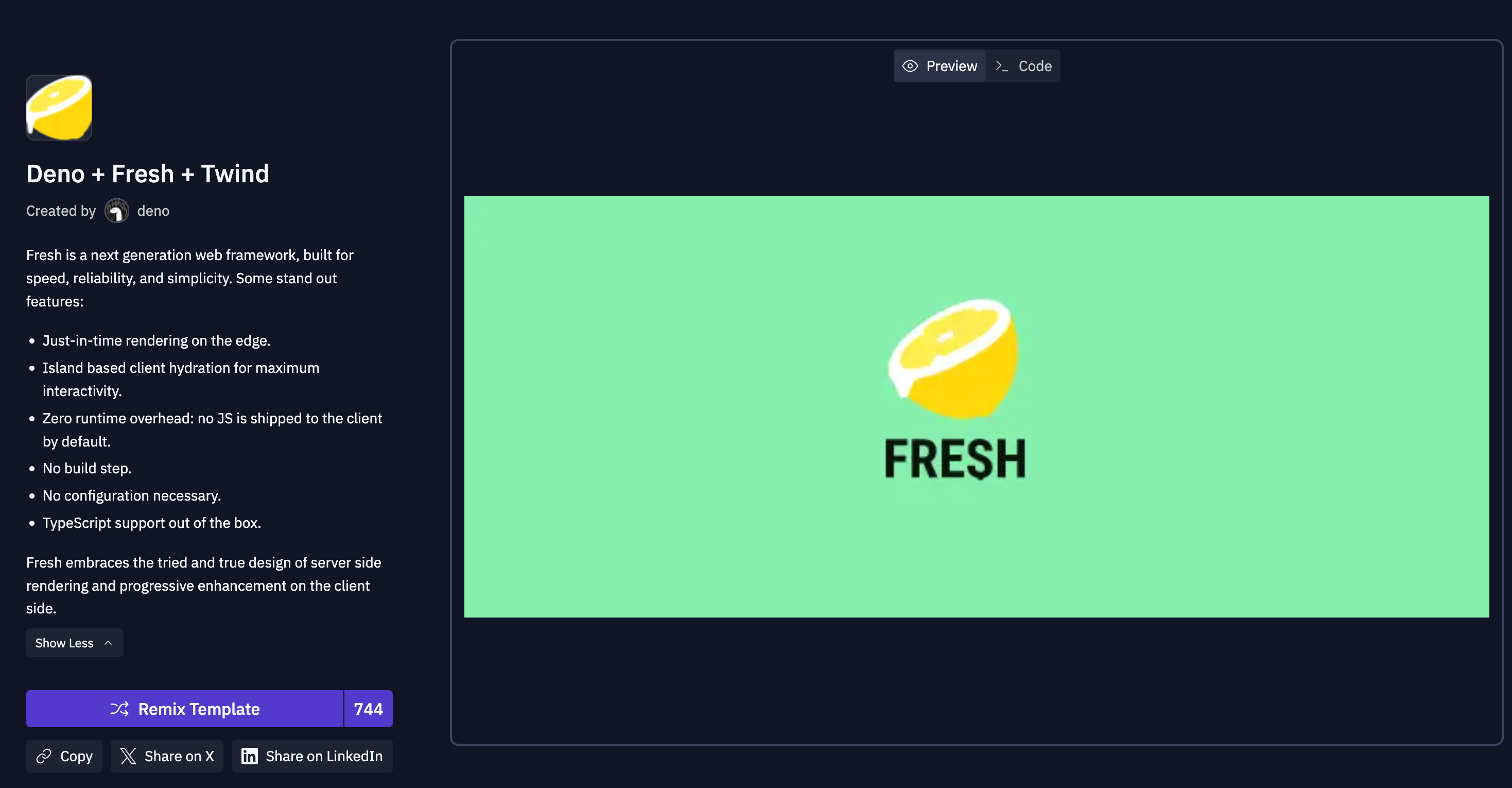
### Explore something new
Select a template to start coding in a specific programming language or software stack.
 ### Create and test APIs
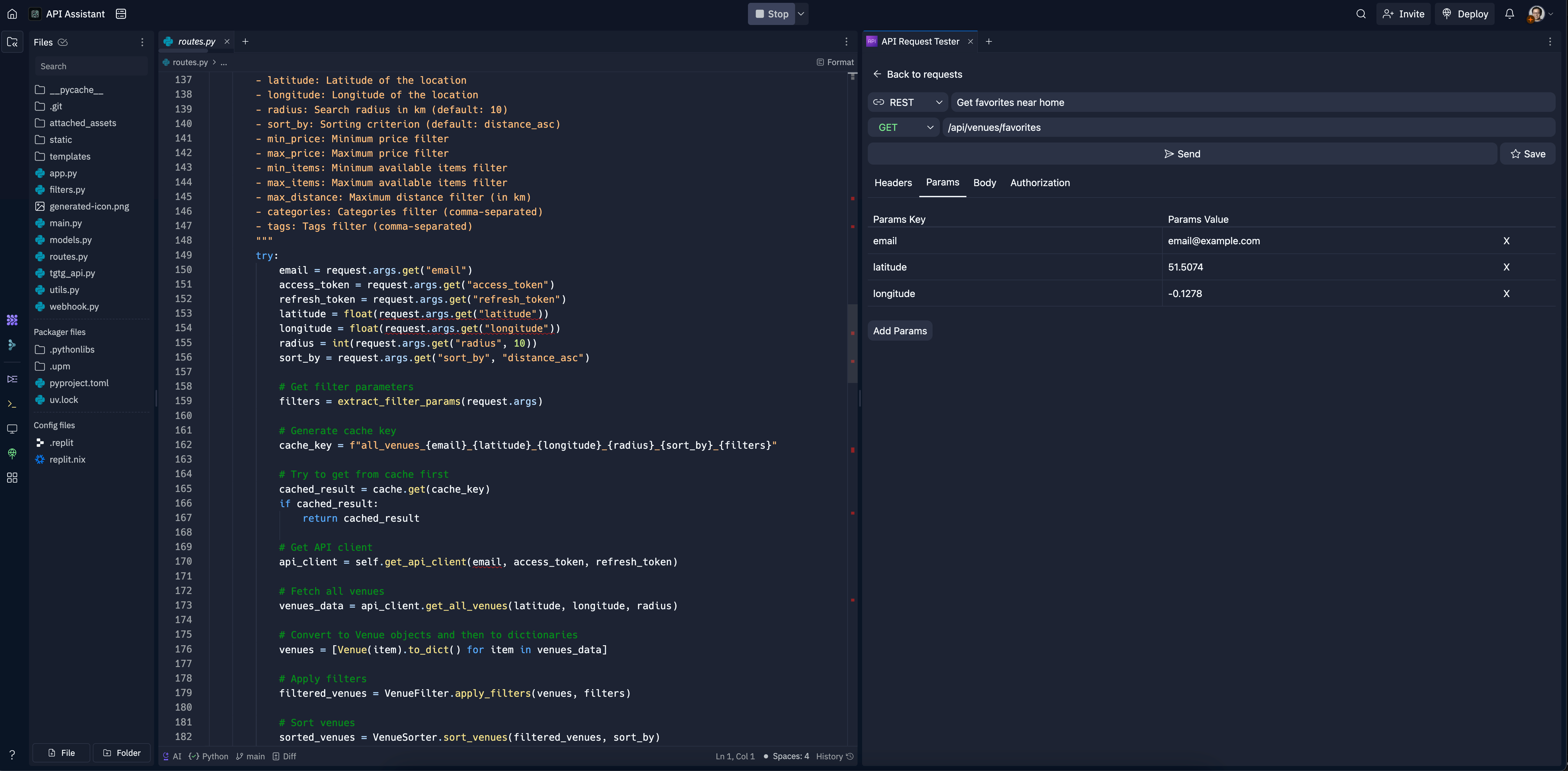
Build an API with RESTful endpoints and use Project Editor tools to test them before going live.
### Create and test APIs
Build an API with RESTful endpoints and use Project Editor tools to test them before going live.
 ## Next steps
To learn more about Replit Apps, see the following resources:
* [Templates](https://www.replit.com/templates/): explore starter project setups to give you a head start
* [Publishing](/learn/projects-and-artifacts/replit-deployments): learn which publishing option works best for your Replit App
* [Custom Domains](/references/publishing/custom-domains#custom-domains-with-published-apps): Set your domain to link to your Replit App
* [Storage and Databases](/learn/projects-and-artifacts/storage-and-databases): Discover your storage options
## Next steps
To learn more about Replit Apps, see the following resources:
* [Templates](https://www.replit.com/templates/): explore starter project setups to give you a head start
* [Publishing](/learn/projects-and-artifacts/replit-deployments): learn which publishing option works best for your Replit App
* [Custom Domains](/references/publishing/custom-domains#custom-domains-with-published-apps): Set your domain to link to your Replit App
* [Storage and Databases](/learn/projects-and-artifacts/storage-and-databases): Discover your storage options