> ## Documentation Index
> Fetch the complete documentation index at: https://docs.replit.com/llms.txt
> Use this file to discover all available pages before exploring further.
# July 17, 2026
> 1 min read
## What's new
* [Agent suggests connectors when several fit](#agent-suggests-connectors-when-several-fit)
* [Meet the new Tools pane](#meet-the-new-tools-pane)
* [A faster task sidebar](#a-faster-task-sidebar)
## Integrations
### Agent suggests connectors when several fit
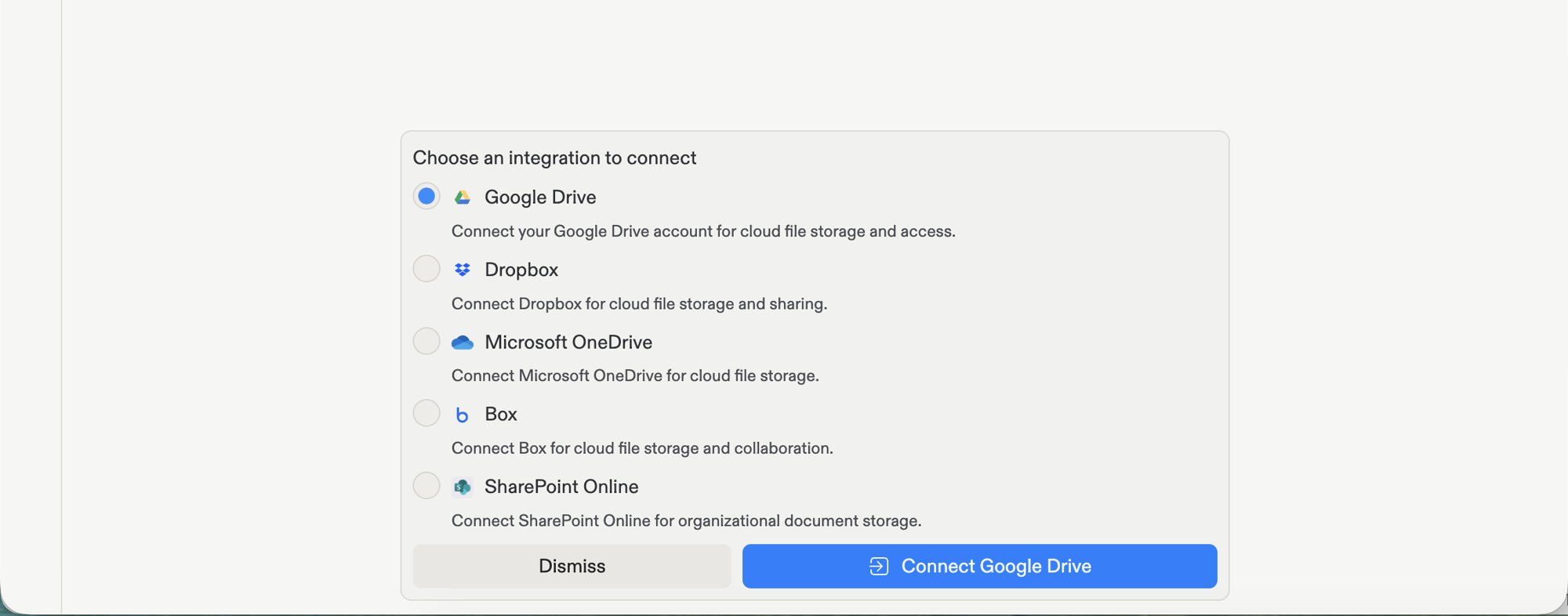
When you ask Agent to connect a service and more than one provider works, Agent now shows a short list so you can pick the one you want. Before, Agent had to ask a follow-up question first. Choose a provider, sign in once, and Agent keeps building.
 Learn more about [connectors](/features/integrations/overview#let-agent-suggest-a-connector).
## Workspace
### Meet the new Tools pane
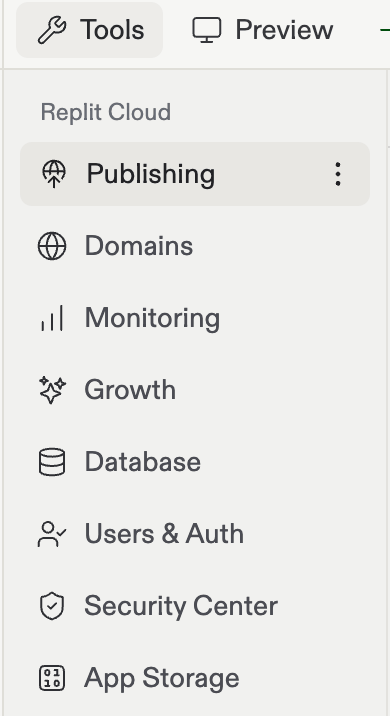
Everything your app can use now has one home in your workspace. The new pinned Tools pane brings Database, Auth, Domains, Secrets, and more together in a single place. That makes the full set of tools easy to find at a glance. The tools themselves haven't changed. They just have a clearer home.
Learn more about [connectors](/features/integrations/overview#let-agent-suggest-a-connector).
## Workspace
### Meet the new Tools pane
Everything your app can use now has one home in your workspace. The new pinned Tools pane brings Database, Auth, Domains, Secrets, and more together in a single place. That makes the full set of tools easy to find at a glance. The tools themselves haven't changed. They just have a clearer home.
 Learn more about the [Tools pane](/features/editor/editor-and-tools).
### A faster task sidebar
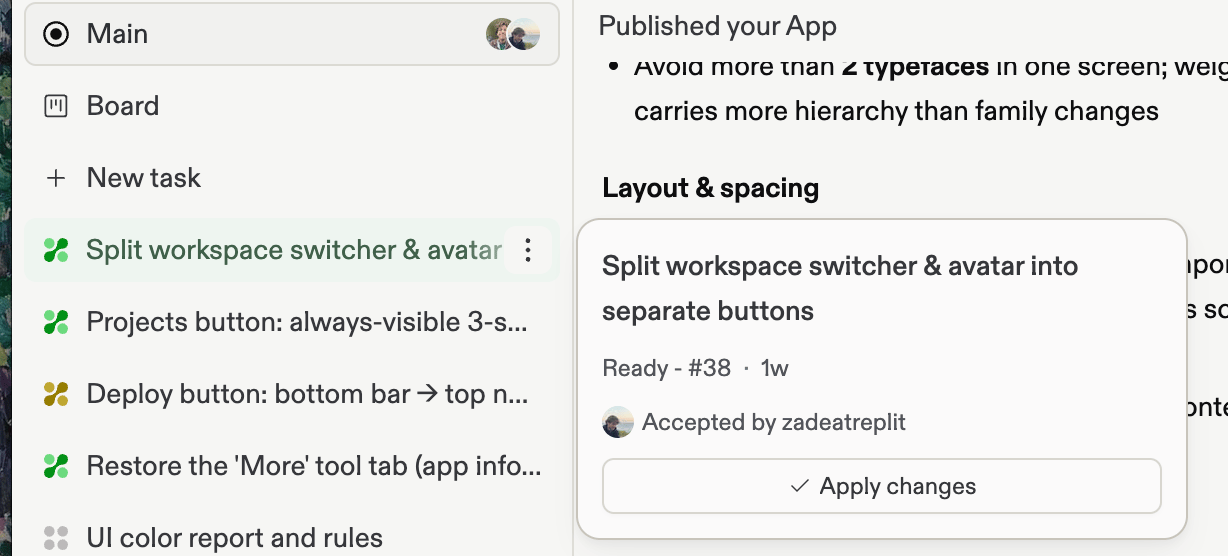
The task sidebar is now a denser, easier-to-scan task navigator. Each task has its own hover card for quick actions and details, the Task Board has a clearer entry point, and tasks stay put instead of shifting when you expand or collapse the sidebar.
Learn more about the [Tools pane](/features/editor/editor-and-tools).
### A faster task sidebar
The task sidebar is now a denser, easier-to-scan task navigator. Each task has its own hover card for quick actions and details, the Task Board has a clearer entry point, and tasks stay put instead of shifting when you expand or collapse the sidebar.
 Learn more about the [task lifecycle](/features/agent/task-lifecycle).