Where to manage seats
Seats can be managed from Settings (under Account → Seats or your organization’s billing section) or the members page. Note: After migration to Pro, the billing model changes—Pro has no per-seat fees and supports up to 15 builders. See the Pro plan or blog for current behavior.Adding Seats
Adding a seat happens immediately and you will pay a prorated value for the seat for the remainder of your billing period and get a prorated Monthly Credit. For example, if you are half way through the billing period, the seat will cost 50% of the full cost, and the Monthly Credit for the seat will be 50%. At the next billing period cycle, the seat will cost full value and the Monthly Credit will be the full amount.Removing Seats
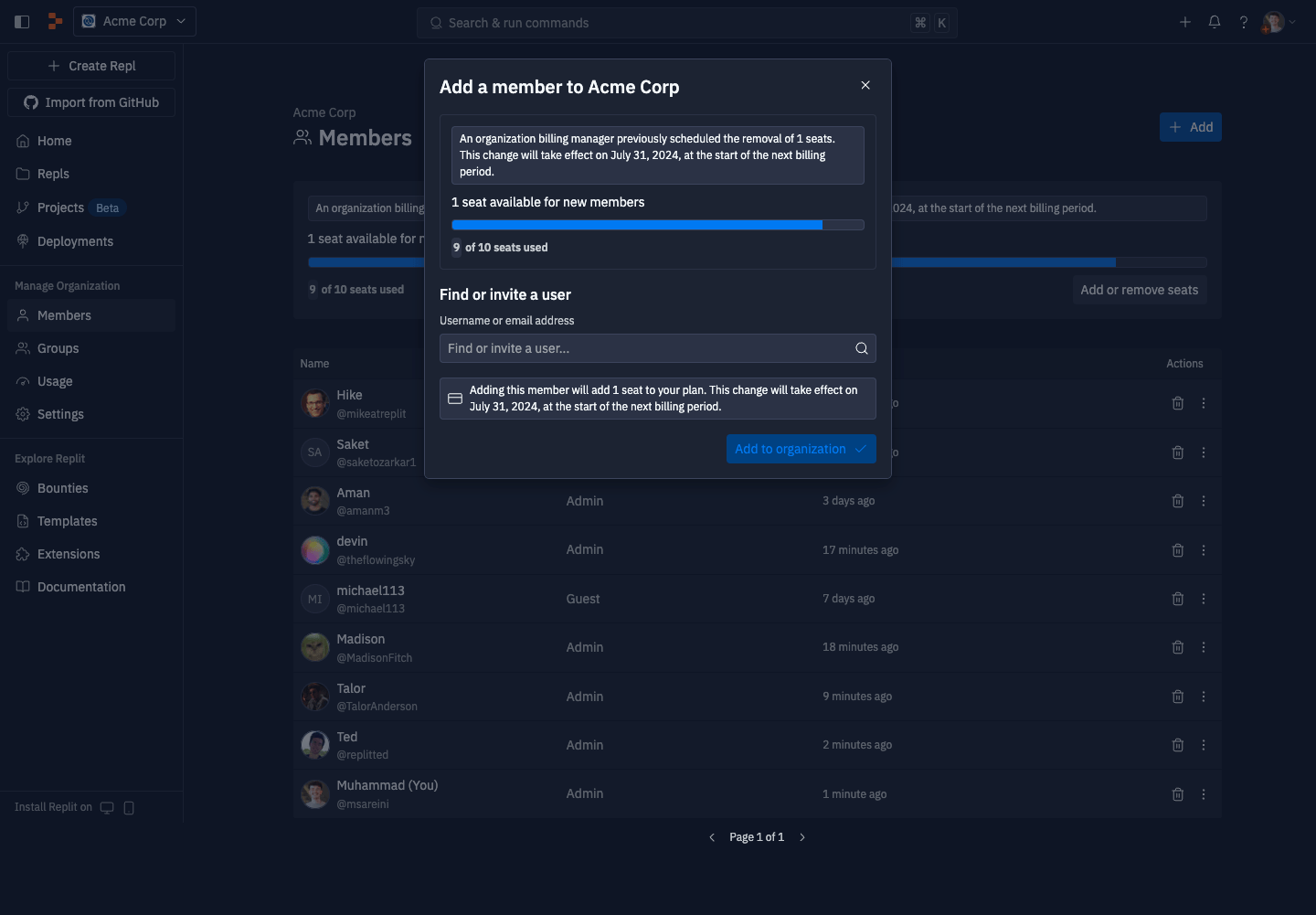
To remove a seat from your organization, that seat must be empty. Any seat that is associated with a user cannot be removed. Removing a seat does not immediately take effect — you will have access to this seat until the end of your current contracted period. At the start of the next contracted period, your organization will have the updated number of seats.Adding members to seats scheduled for removal
If you have a seat scheduled to be removed at the start of the next contracted period, you can still add a member to consume that seat. Adding a member will stop that seat from being removed at the start of the next contracted period.