

⏰ Estimated time: 5 minutes Learn how to build Replit Apps directly from ChatGPT using the Replit integration. This integration brings Replit’s development environment into your ChatGPT workflow, letting you:Documentation Index
Fetch the complete documentation index at: https://docs.replit.com/llms.txt
Use this file to discover all available pages before exploring further.
- Create full-stack applications from natural language descriptions
- Bootstrap projects without leaving ChatGPT
- Seamlessly transition to Replit for further development
ChatGPT Apps
Replit is the fastest way to turn your ideas into a live app, and now you can do it without leaving ChatGPT. Apps in ChatGPT let you connect external tools and services directly into the conversation. Instead of switching between tabs or copying context around, you can ask ChatGPT to take action inside the tools you already use. The Replit app allows you to create and bootstrap real applications directly from ChatGPT, with the code living in the Project Editor. Follow the steps below to build your first Replit App in ChatGPT, or try it now by clicking the button below.Try it now
Build an app with Replit directly in ChatGPT
Describe what you want to build and invoke @Replit
In the chat input, describe your app idea and mention 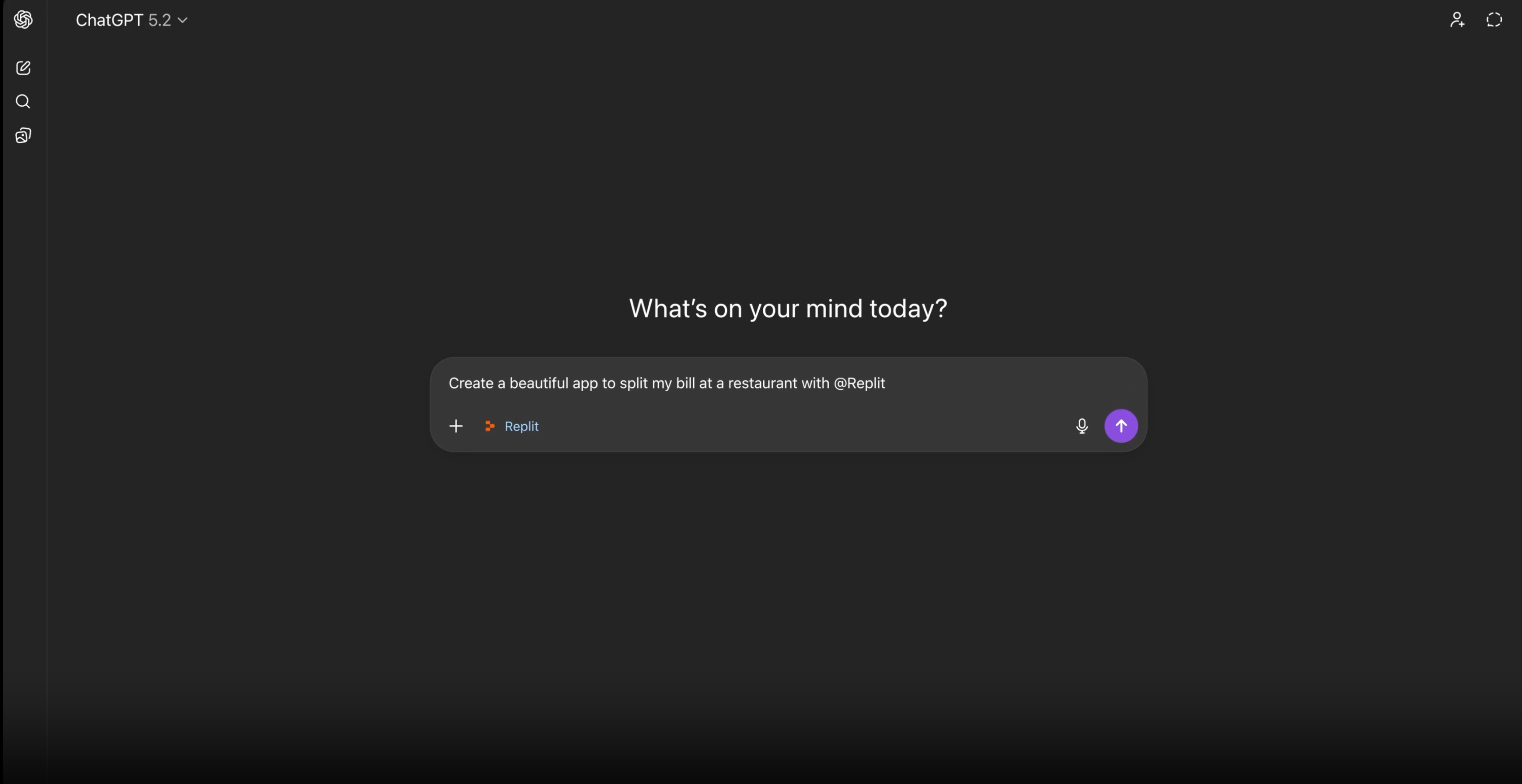
@Replit to invoke the Replit app.Example prompt:ChatGPT creates the project directly in Replit
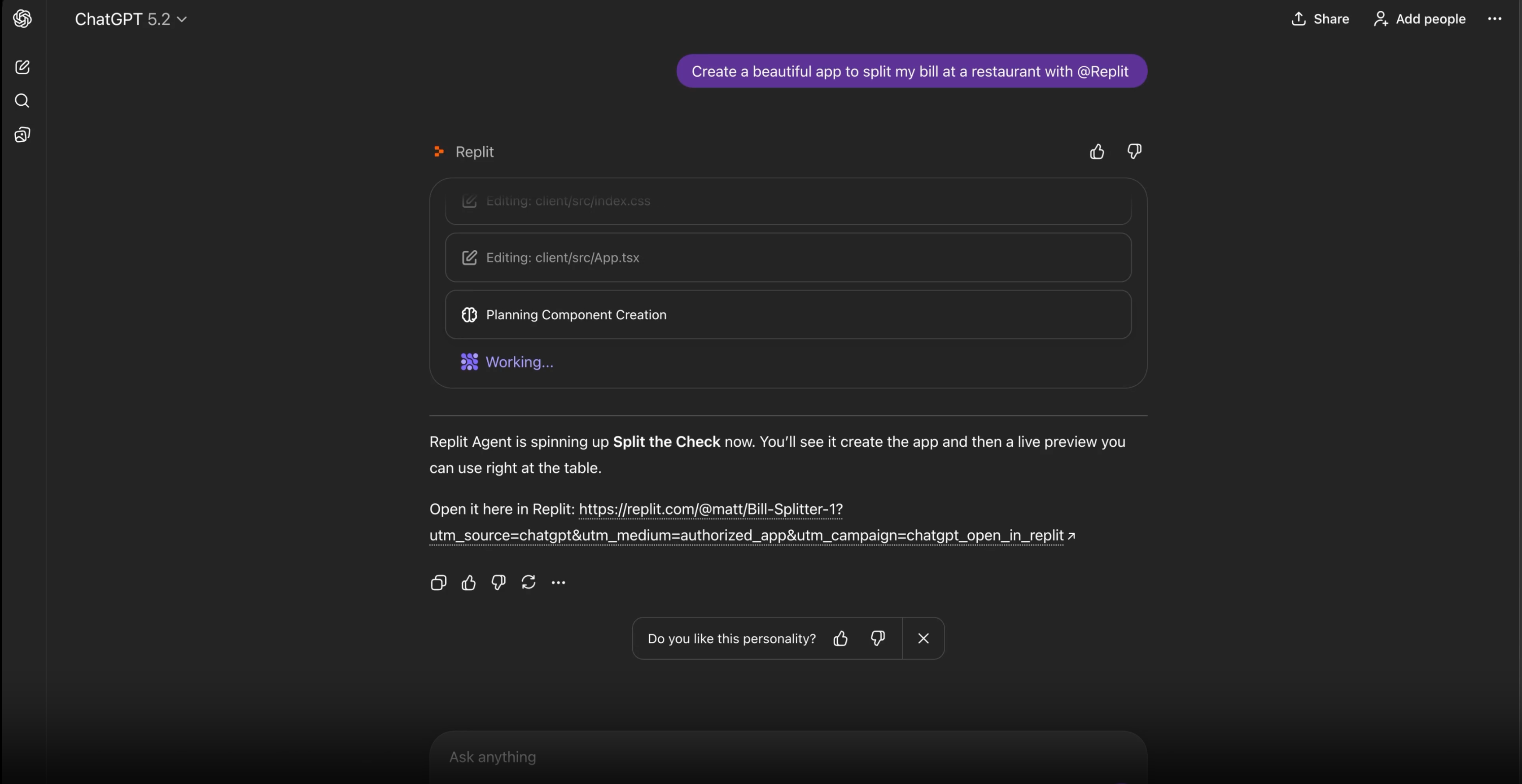
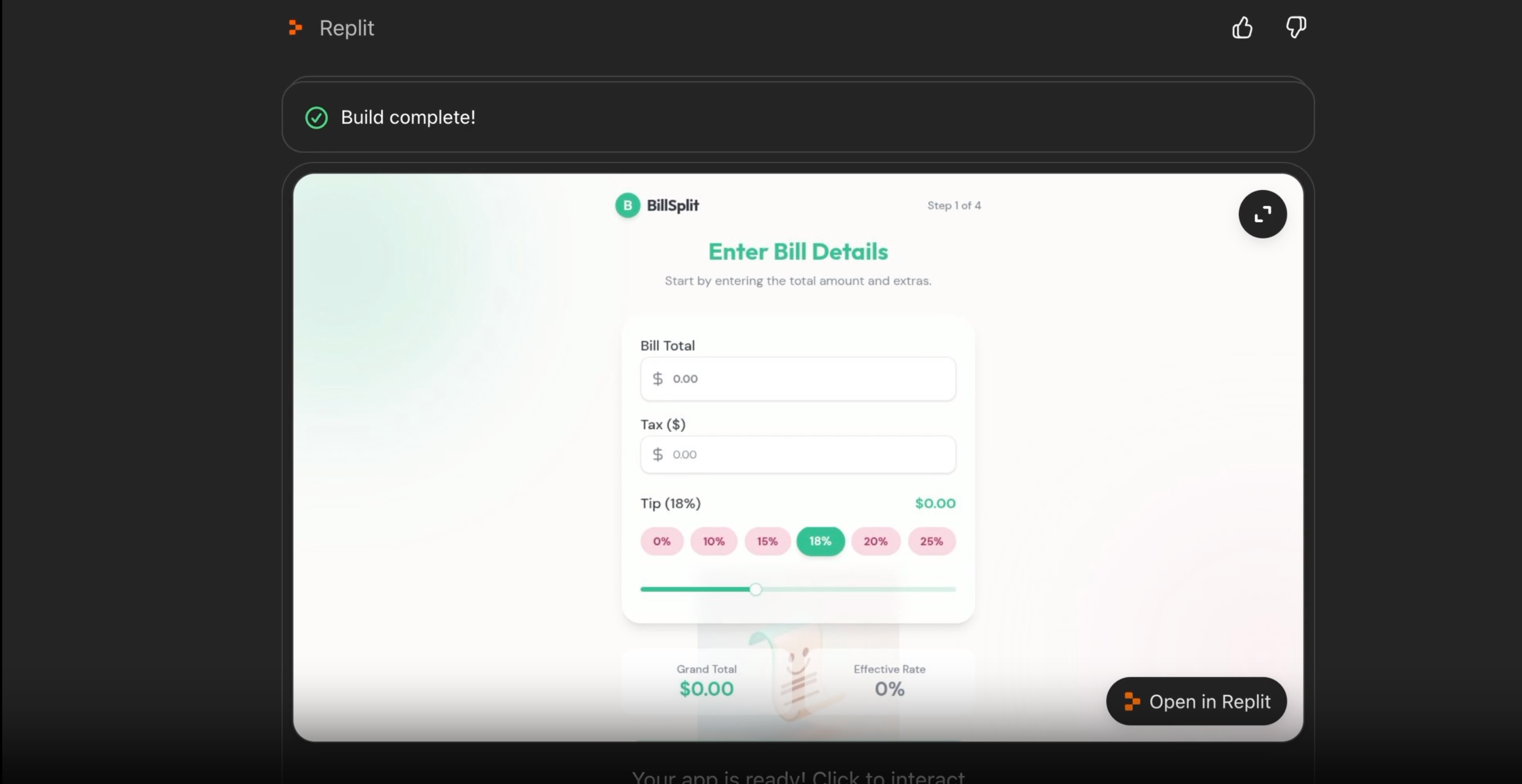
ChatGPT will use the Replit app to create your project. You’ll see the app being generated in real-time.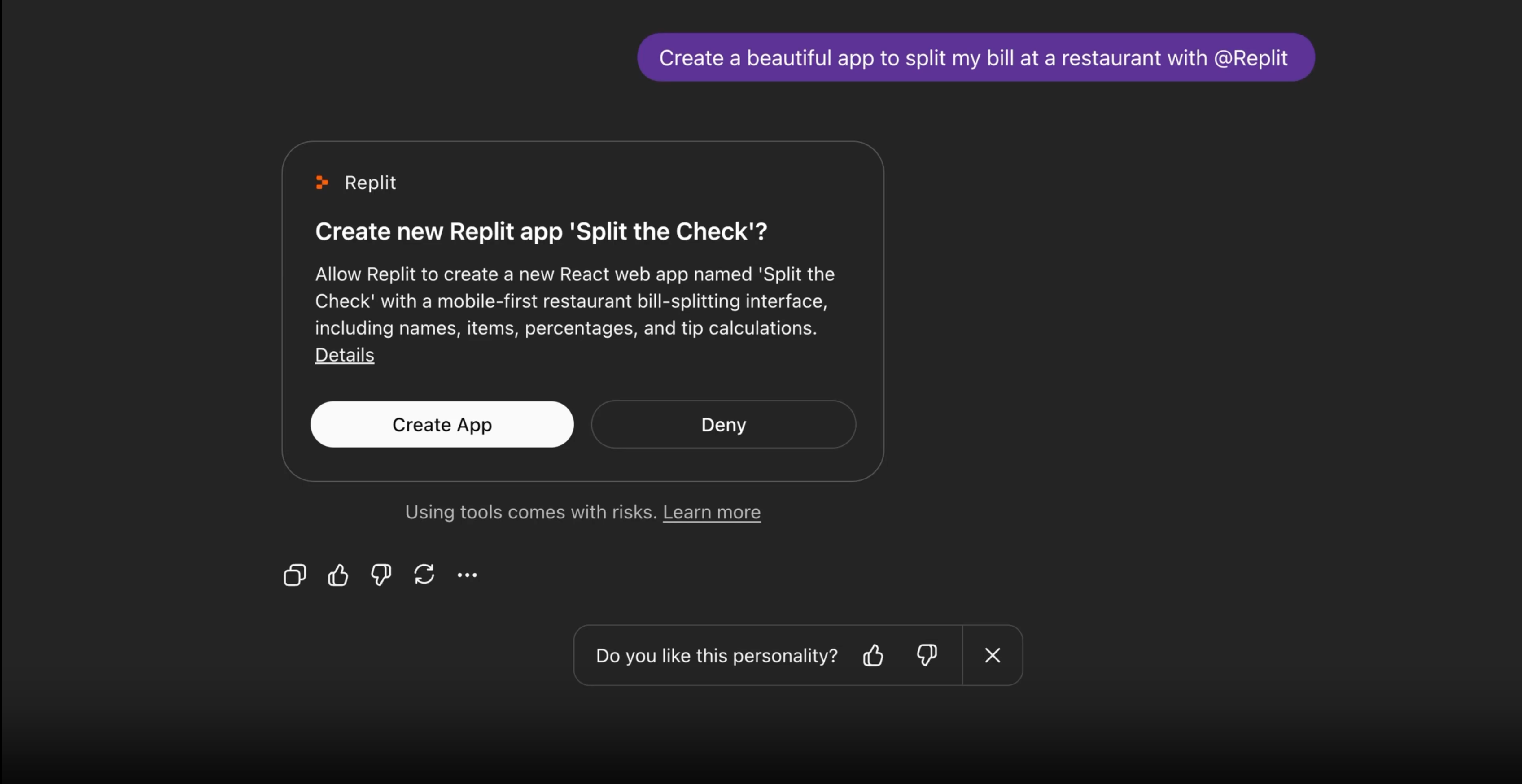
Next steps
Now that you’ve built your first app in ChatGPT, explore more possibilities:- Replit in ChatGPT: Learn about all features, billing, troubleshooting, and advanced usage
- Replit Agent: Continue building and refining your app with Agent in the Project Editor
- Agent modes: Use Lite for targeted improvements or switch modes for bigger tasks
- Publish your app: Share your creation with the world