

Getting started
All subscribers receive one-time free Agent checkpoints. Additional monthly credits automatically apply to AI usage:- Core subscribers: Monthly credits (see pricing)
- Pro subscribers: Tiered monthly credits with rollover for . See Replit Pro.
Agent features by plan
For full plan details, see Starter, Replit Core, and Replit Pro.
Agent billing
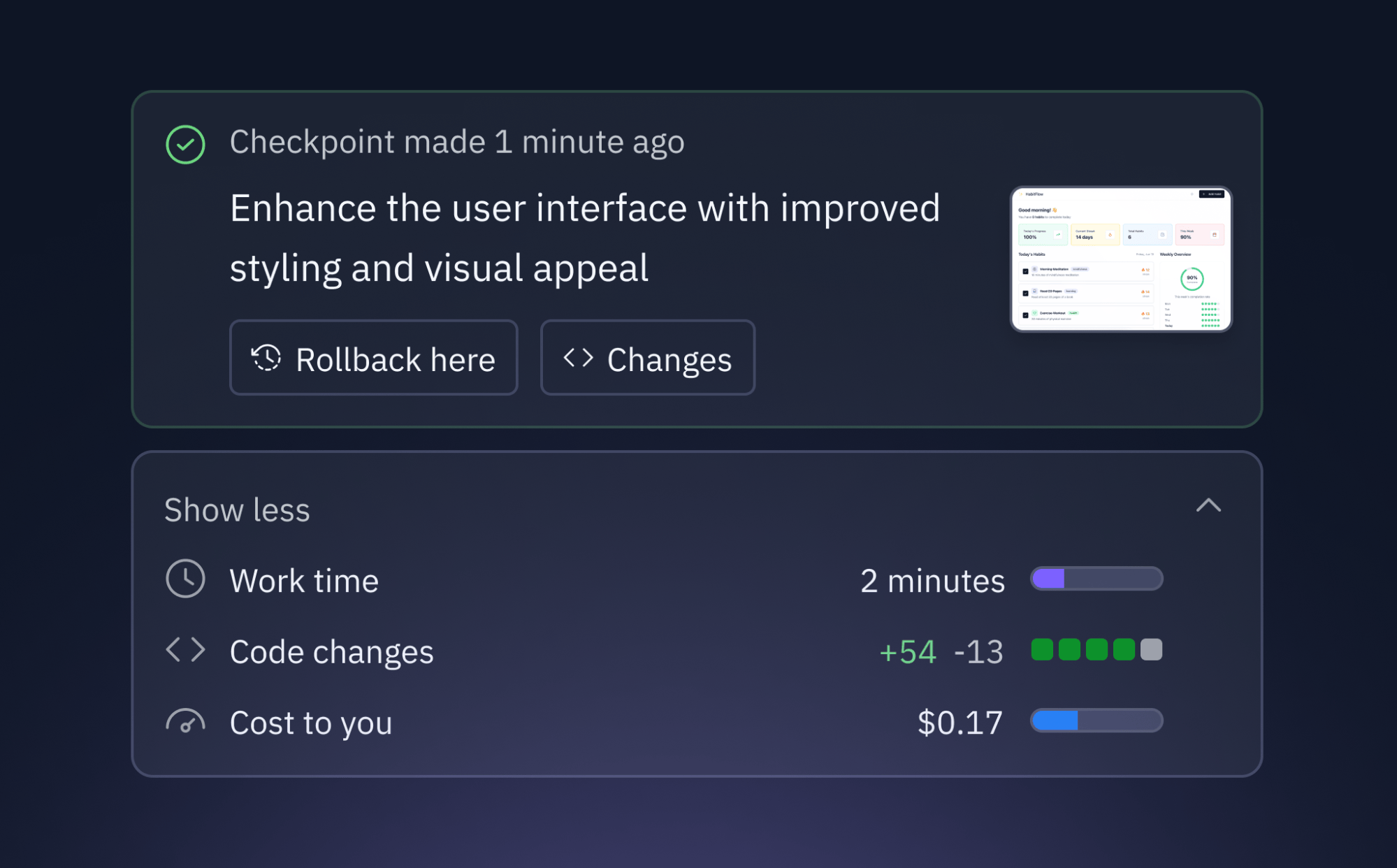
How effort-based pricing works
When you chat with Agent in “Build Mode”, it creates checkpoints that capture completed work on your request:- Simple requests (like bug fixes or small changes) typically cost less than complex builds
- Complex builds (like full features or integrations) are bundled into one checkpoint that may cost more than a simple request, reflecting the total effort involved
- One checkpoint per request eliminates intermediate checkpoints and reduces billing noise
- Transparent pricing shows you exactly what you’re paying for each completed task
A checkpoint occurs when Agent completes work on your request and implements
the requested functionality in your code.
Agent services billing
Some Agent capabilities use paid third-party APIs behind the scenes (such as Claude, ChatGPT, and Nano Banana / Gemini). Agent handles these integrations automatically — no API keys or setup required. You’re billed at the provider’s public API rate, deducted from your Replit credits. These costs appear alongside your other usage on the usage dashboard. To understand the cost of sample apps, check out our simple interactive demo.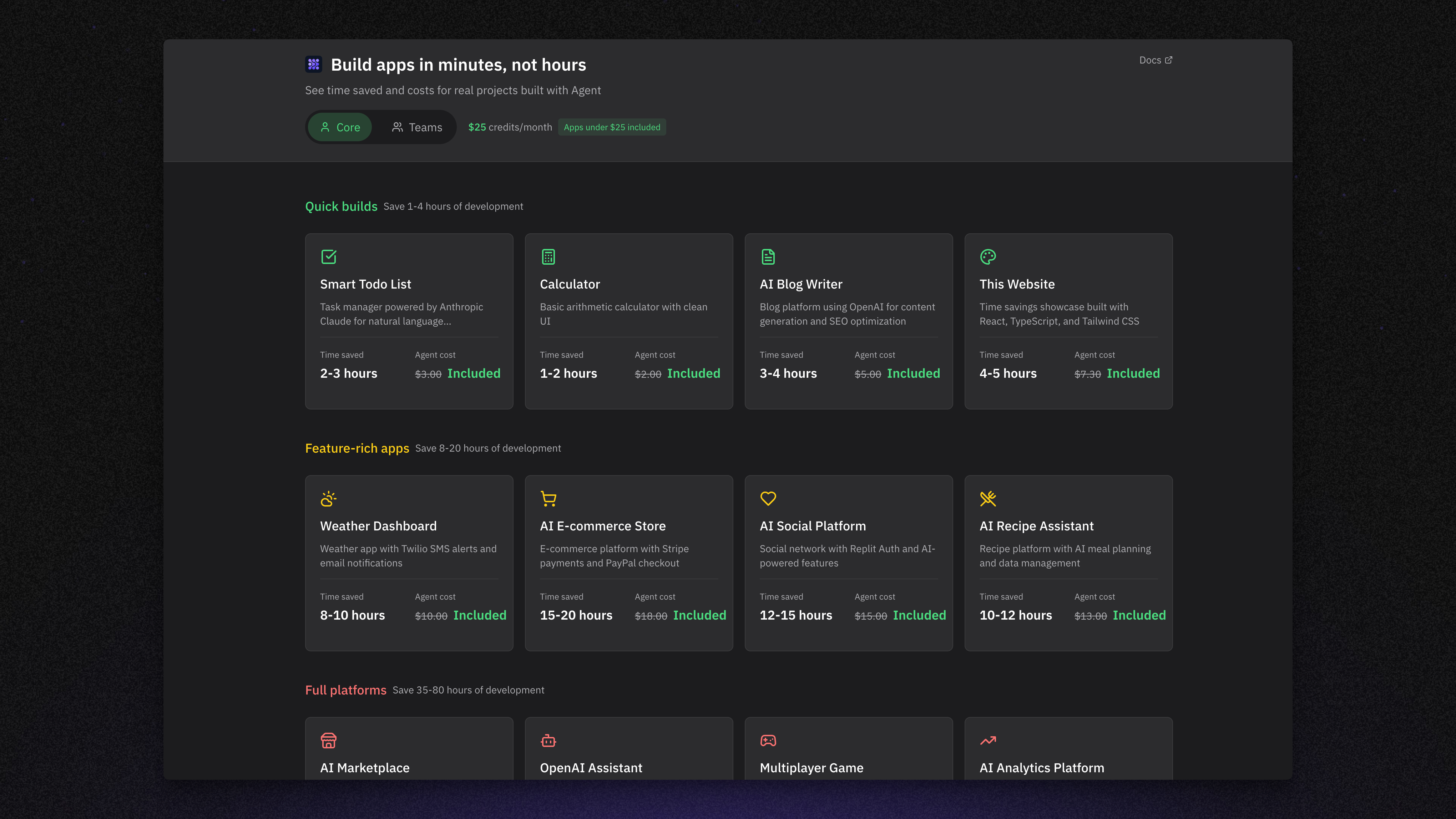
Track your usage
You can monitor your Agent spending in real-time:- Agent tab: View costs for individual checkpoints by hovering over the usage icon
- Usage dashboard: See detailed billing information for the current period
- Settings: Set up alerts and budgets in Account → Billing to control spending
Managing your spend
Take control of your AI spending with Replit’s built-in budget tools:- Usage alerts: Get notified when you reach spending thresholds
- Budget limits: Set hard caps to prevent unexpected charges
- Real-time tracking: Monitor costs as you build
- Credit packs: Purchase additional credits with discounts on larger purchases. See Managing Your Spend for details.
Set Up Alerts
Configure email notifications when you reach custom spending amounts
Usage Dashboard
View detailed breakdowns of your AI and cloud service costs
Next steps
Ready to start building with AI? Here’s how to get the most value from your credits:- Try Agent first: Use your free checkpoints to explore Agent’s capabilities
- Start small: Begin with simple requests to understand effort-based pricing
- Use Free Mode: Start with Free Mode for everyday work
- Set up alerts: Configure spending notifications before you exceed your credits