

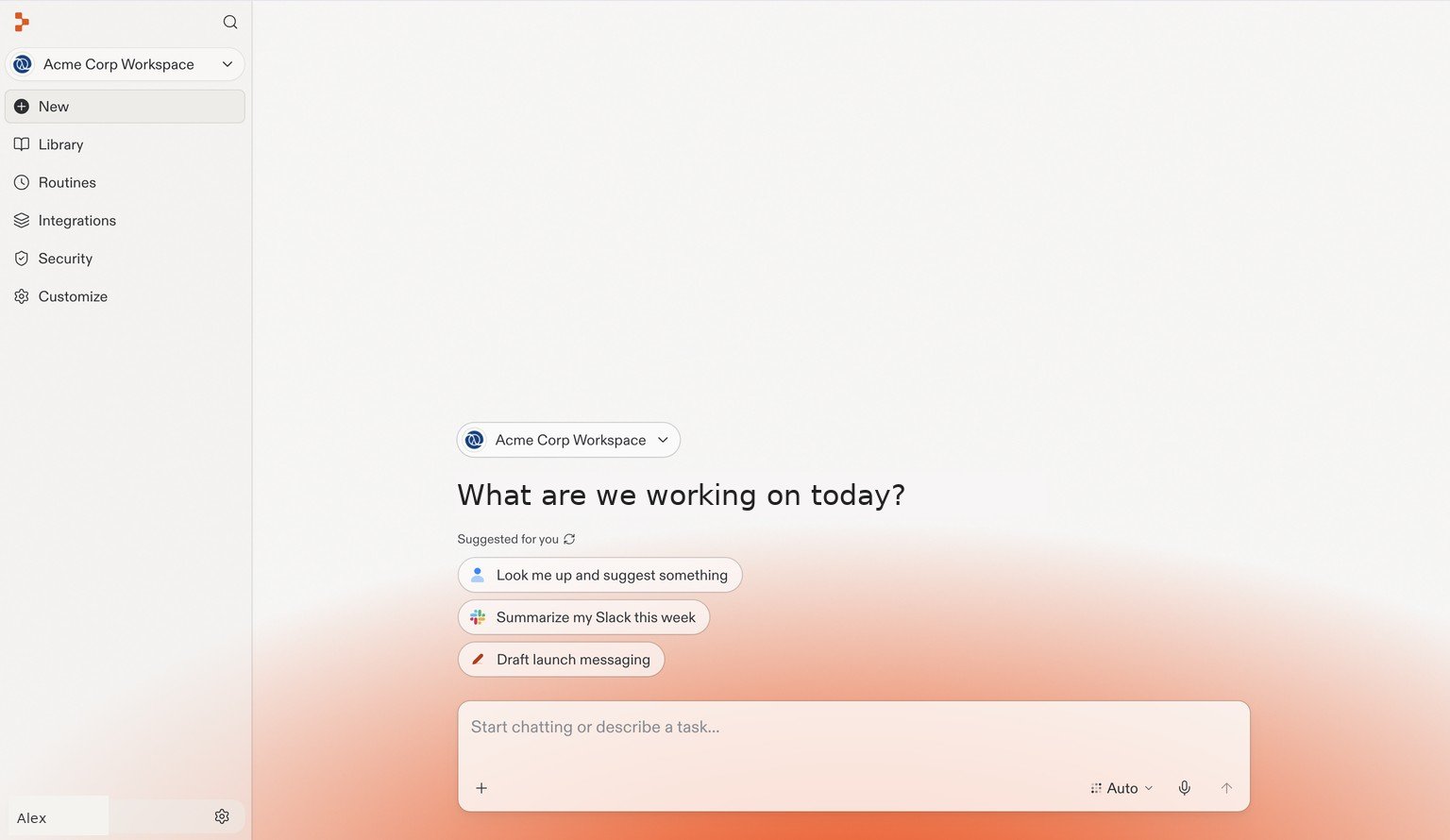
Your team's Workspace is the starting point for new projects and shared work. Account details are examples.
Give your team a place to build
A Workspace brings projects, people, integrations, and settings together. Your team can use Replit to create internal tools, customer-facing applications, dashboards, design explorations, and slide decks. Connect your company’s identity provider with SAML single sign-on (SSO) so your team can sign in to Replit using their existing company accounts. Replit supports providers such as Microsoft Entra ID, Google Workspace, and Okta.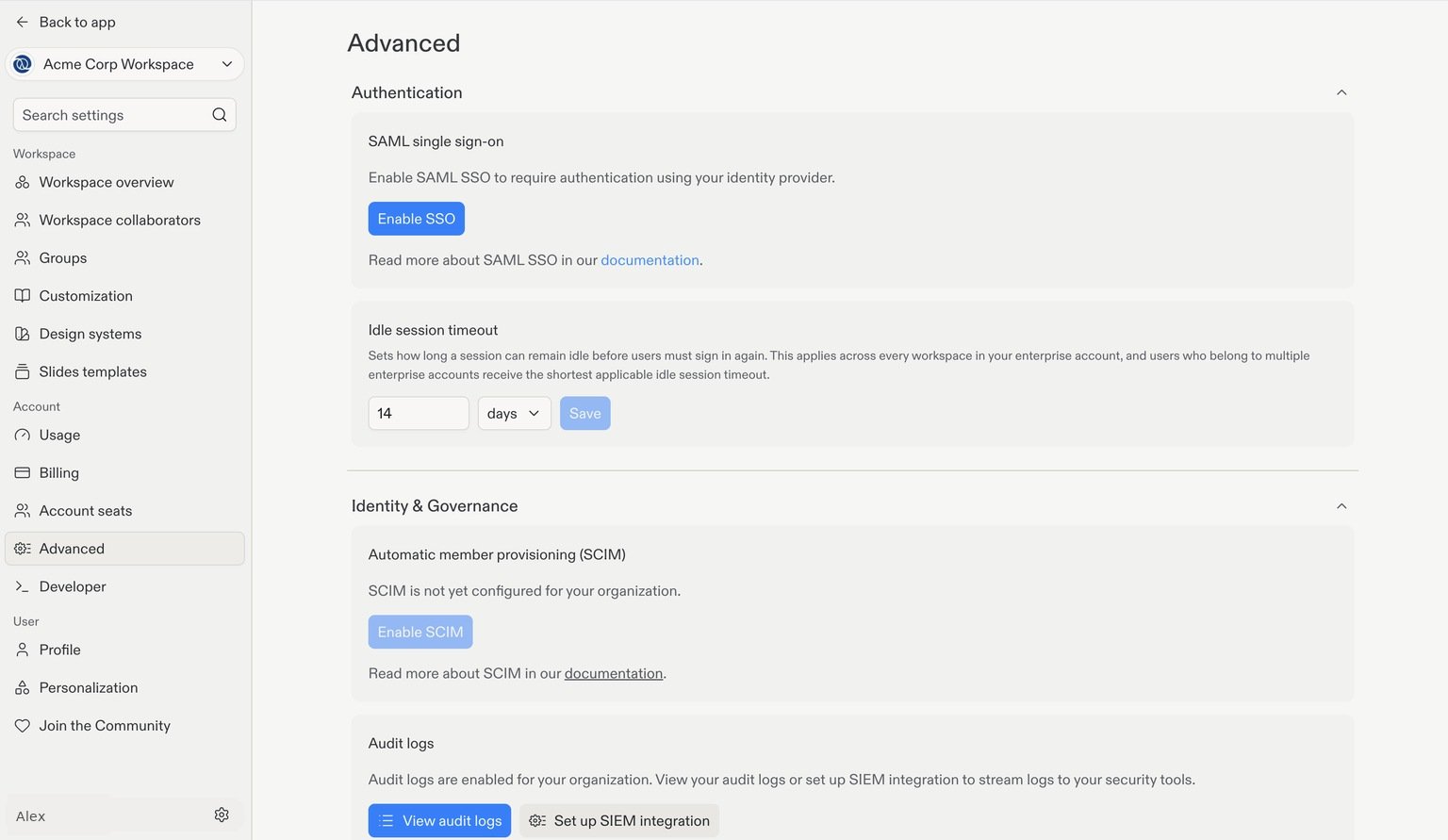
Connect your identity provider from the SAML single sign-on settings. Account details are examples.
Connect the tools and data you already use
Connectors give Replit access to services such as Slack and GitHub, so teams can build with existing information rather than copying it between systems. You can also connect enterprise data platforms such as Databricks and Snowflake, or build data apps with Microsoft Fabric. If you need an integration beyond the library, add a trusted MCP server or configure a custom API connector. Review connection ownership and access scope before sharing it with your team.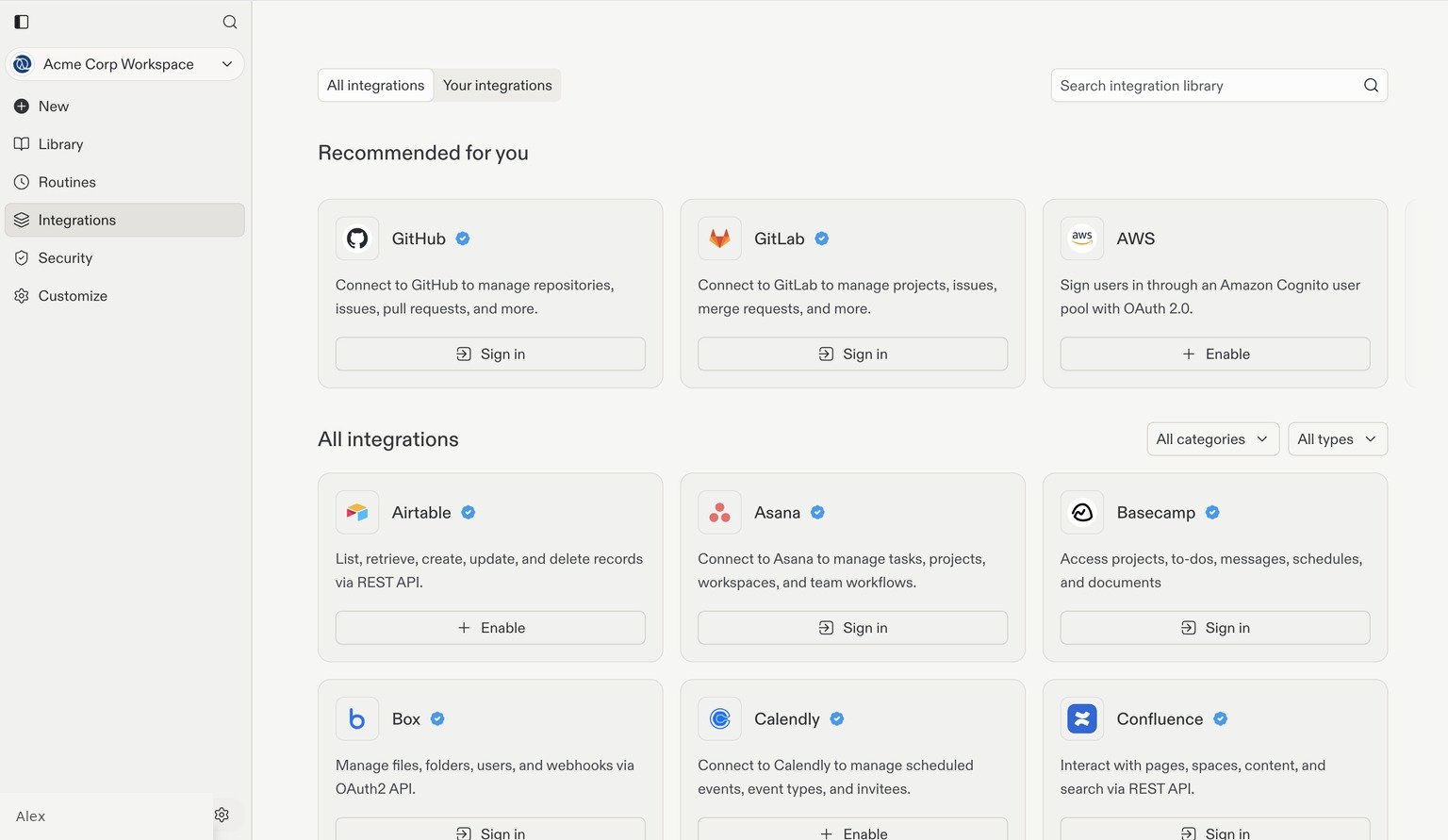
Find your team's services in the integration library.
Set access and publishing policies
Give people the access they need while keeping administrative decisions centralized:- Identity and membership: Configure SAML SSO for sign-in and optionally use SCIM to automate provisioning and deprovisioning.
- Publishing and privacy: Decide when apps must be private, whether password protection is available, and which deployment geographies builders can use.
- Approved models: Choose the providers and models available in each Workspace, with additional controls for fast model variants and higher effort levels.
Set security policies
The Workspace Security Center gives administrators a shared view of known dependency vulnerabilities across projects. Filter findings by severity and publishing exposure, notify project owners, and ask Replit to prepare fixes. You can also configure Auto-Protect, require security scans during publishing, and choose the severity threshold that blocks a deployment.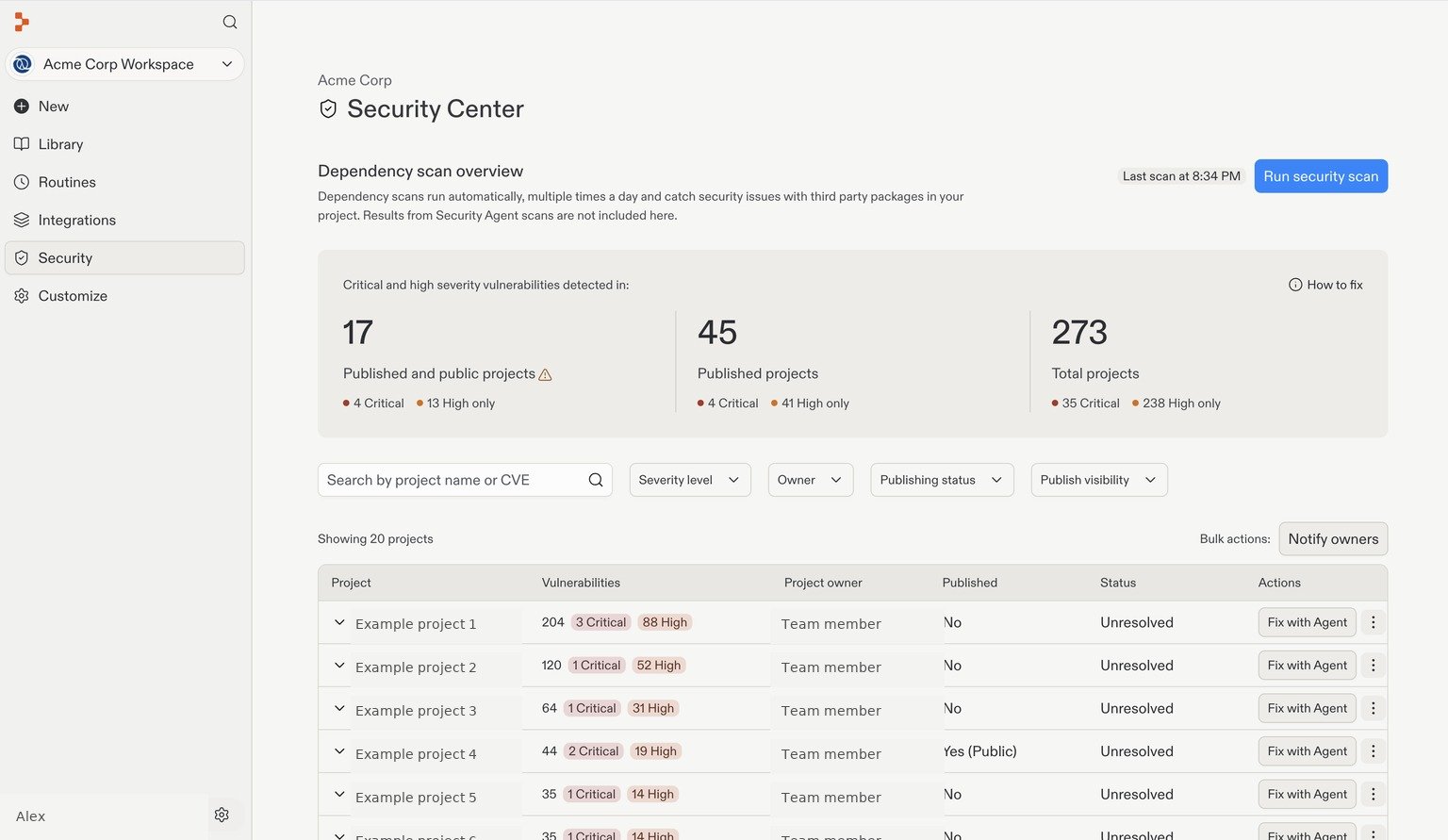
Review affected projects and prioritize findings from the Workspace Security Center. Project and owner names are examples.
Understand usage and activity
See consumption across all Workspaces or focus on one team. Review daily spending and break usage down by user, project, or resource to understand where it comes from. Audit logs give account admins a record of security-relevant actions. Use the audit log portal to investigate activity or stream events to your security tools.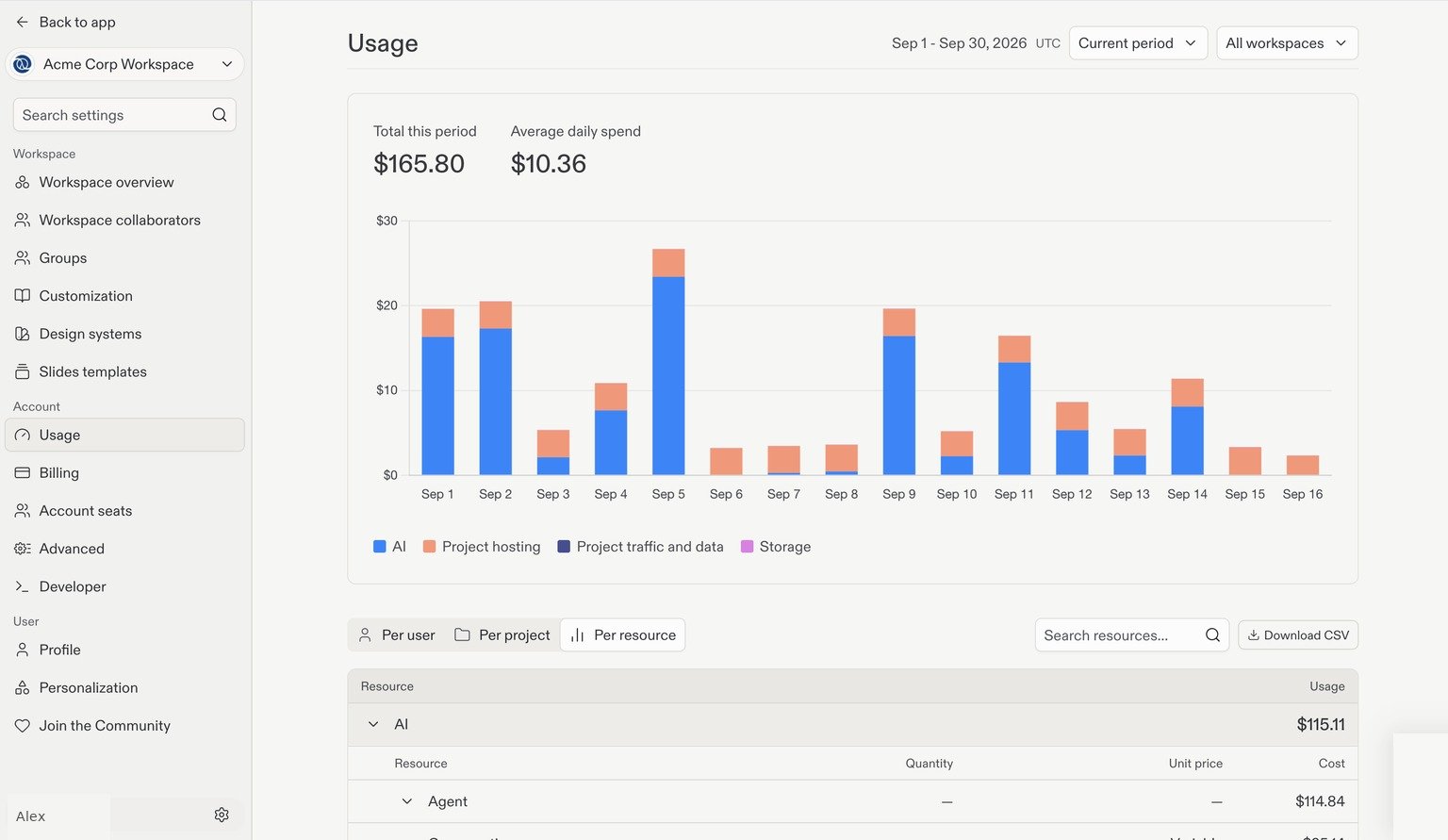
Track spending over time, then explore the usage breakdowns below the chart.
Standardize best practices across your organization
Your team should not need to explain the same conventions every time it starts something new. Share reusable skills for common workflows and Workspace-wide instructions for standing guidance. Design systems help applications share a visual identity, while slide templates keep presentations consistent. Standardization explains how these tools fit together, including how to manage remembered preferences safely in shared projects.Start with your first Workspace
You don’t need to configure everything at once. Begin with your account and Workspace, bring in your collaborators, then work through the setup guides to connect services and establish your policies.Create an account
Start the Enterprise setup guide, from signing up to configuring your team’s Workspace.