

Max mode is no longer available. Use Power for the most capable standard builds, and turn on Turbo in Advanced settings when you need the fastest runs.
Lite mode
Optimized for quick edits. Lite uses fast, lightweight models for visual tweaks, bug fixes, and other small, scoped changes.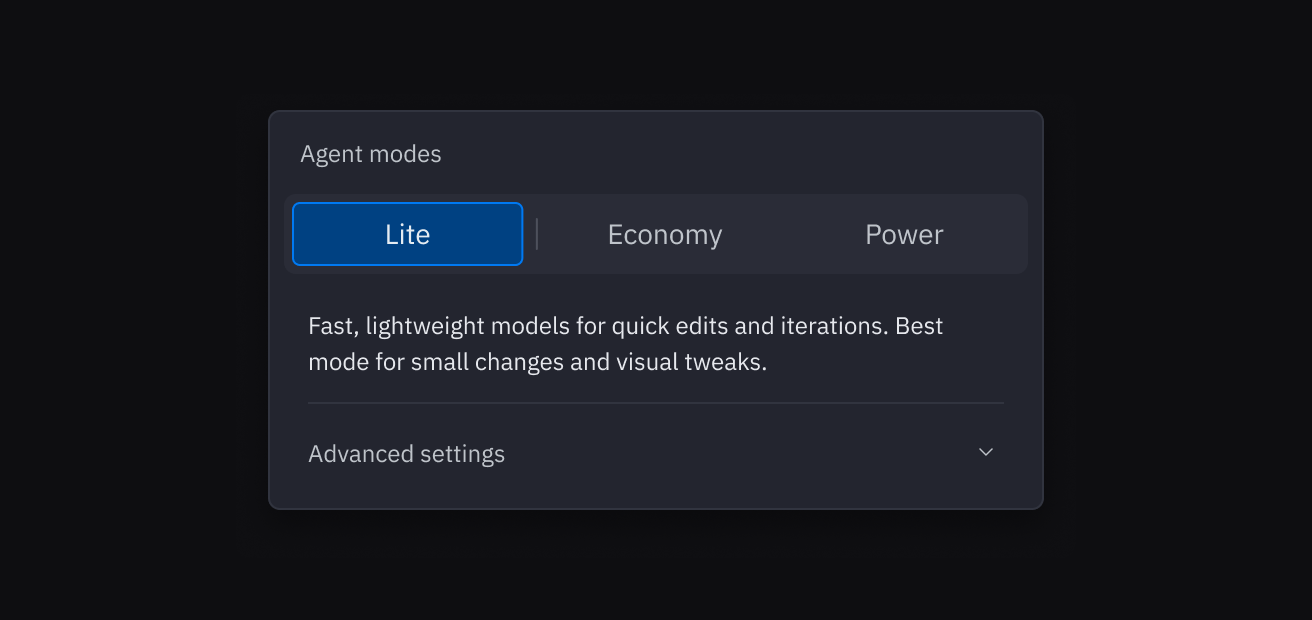
Economy mode
Optimized for cost. Economy uses fewer credits per task and is the best default when you want strong results without paying for the most capable models.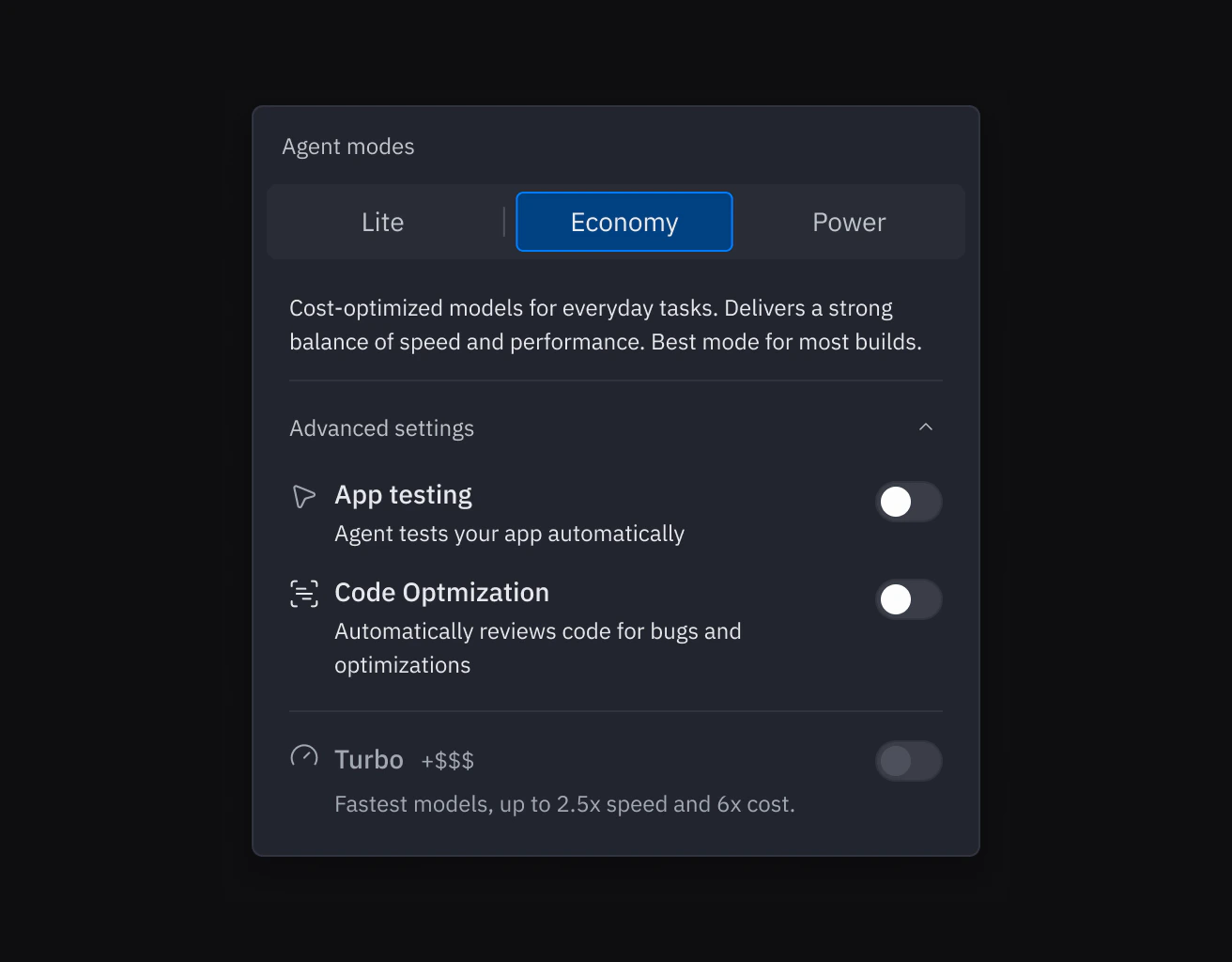
Power mode
Optimized for capability. Power uses more capable models for complex tasks, larger codebases, and harder problems.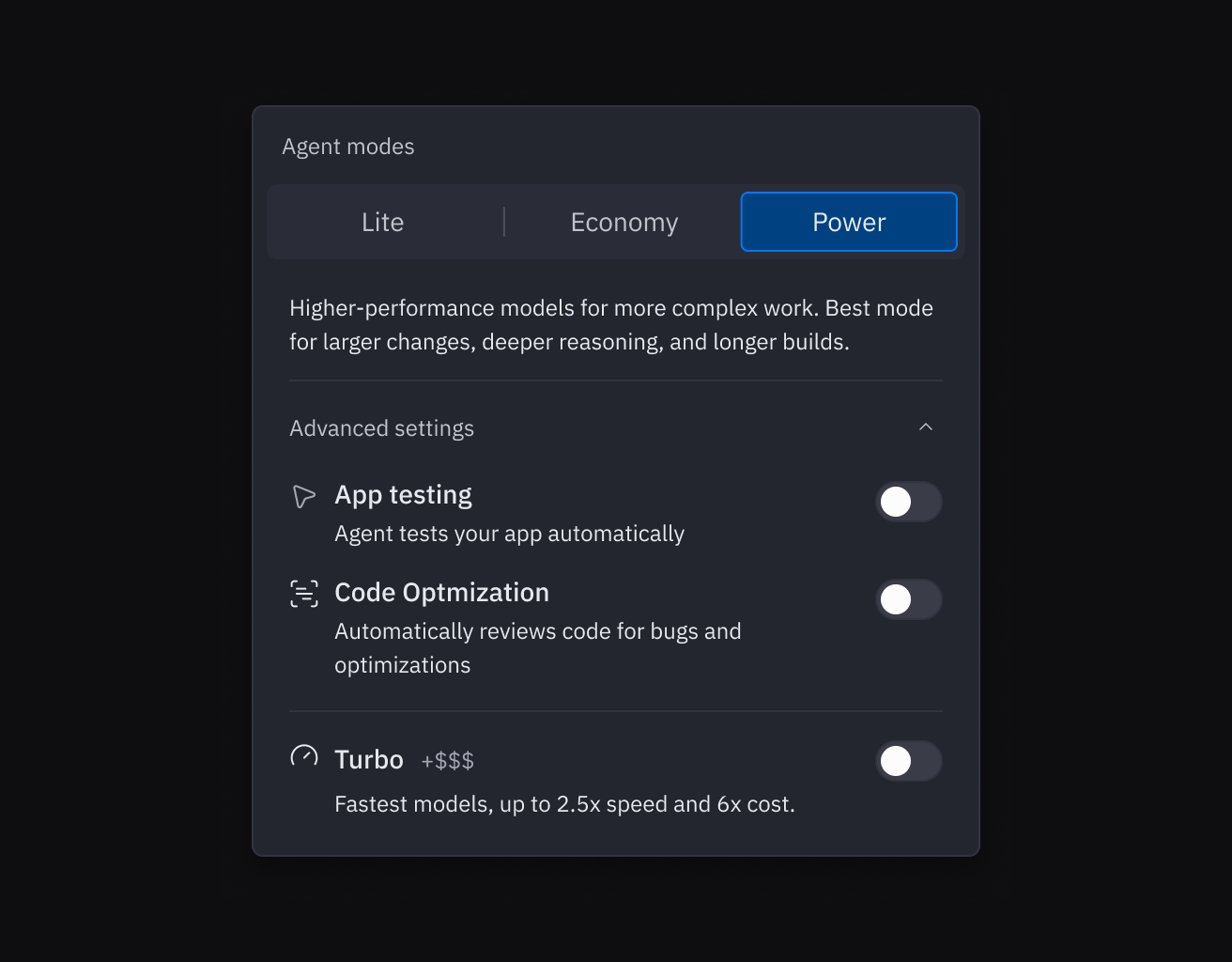
Advanced settings
Expand Advanced settings in the dropdown to manage the rest of Agent’s build controls:- App Testing lets Agent test your app automatically in a browser.
- Code Optimizations lets Agent review and improve its own code as it works.
- Turbo gives you the fastest available models when you’re in Power mode.
Turbo mode
Turbo is a separate toggle inside Advanced settings. Turn it on in Power mode when you want 2.5x faster responses using the fastest models. Requests can cost up to 6x more than Power, so Turbo is best when speed matters more than efficiency.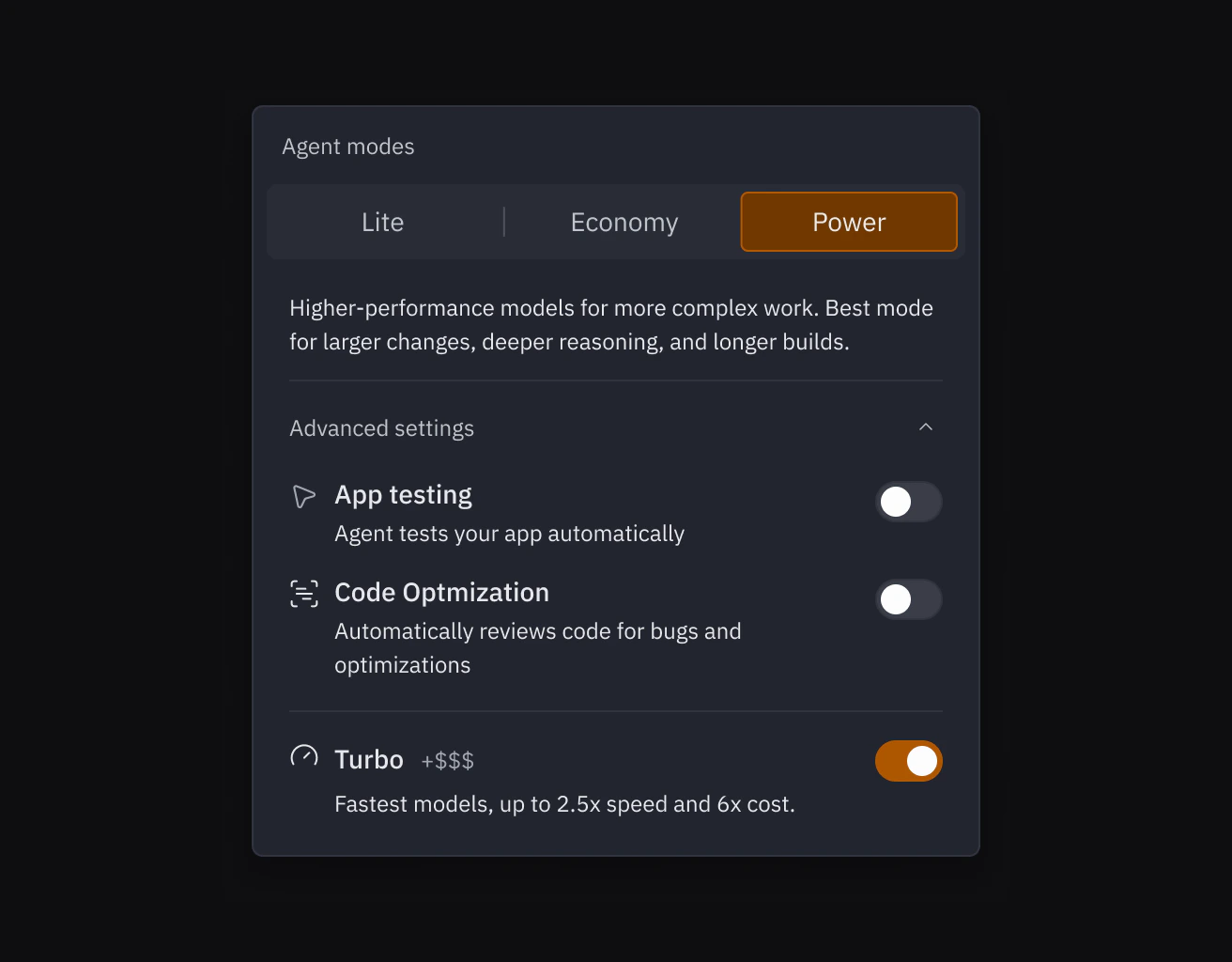
Which mode should I use?
Use the following as a guide:| Goal | Recommended mode |
|---|---|
| Small, scoped edits and quick iterations | Lite |
| Maximize number of prompts per credit | Economy |
| Balance cost and quality for most projects | Power |
| Fastest response on bigger tasks | Power + Turbo (Pro/Enterprise) |
Related
- Code Optimizations: Control how Agent reviews its own code (separate from mode and Turbo).
- Managing your spend: Set alerts, budgets, and use Plan Mode for cost control.
- Replit Pro: Unlock Turbo mode and tiered credits.