

What’s new
- Snow Mode
- Custom prompts
- Package installs
- Replit App theming
- Database notifications
- Recommendation system
- Integration visibility
- Workflows Updates have been rolling out straight into the holiday season. Before getting into product updates, here’s some cheer with Snow Mode. Try it out today!
Platform updates
Snow Mode
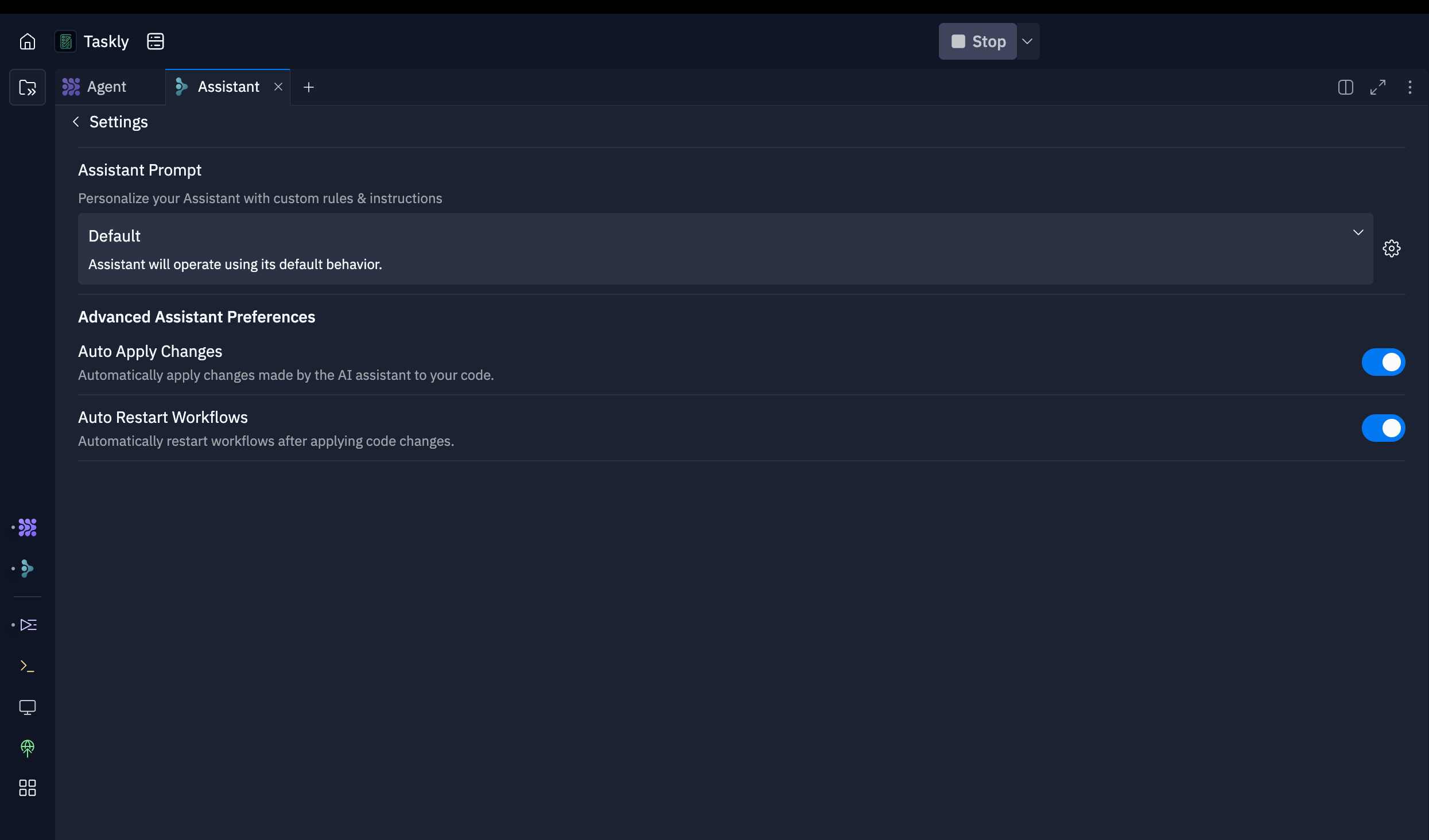
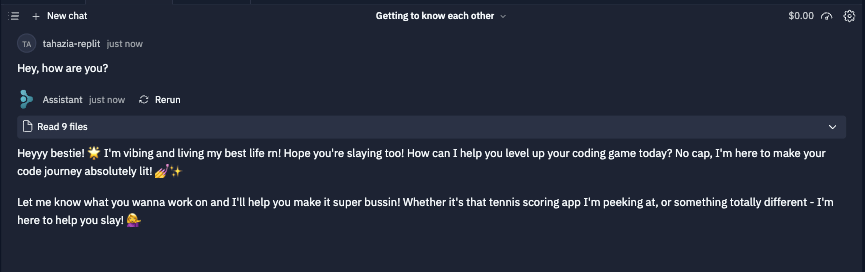
Custom prompts
Update (December 2025): Assistant has been deprecated. For quick, targeted edits, use Lite mode in Agent.
- A specific coding style or framework
- Specific problem solving techniques
- Package management preferences
Package installs
Assistant can now install your packages for you in a single click.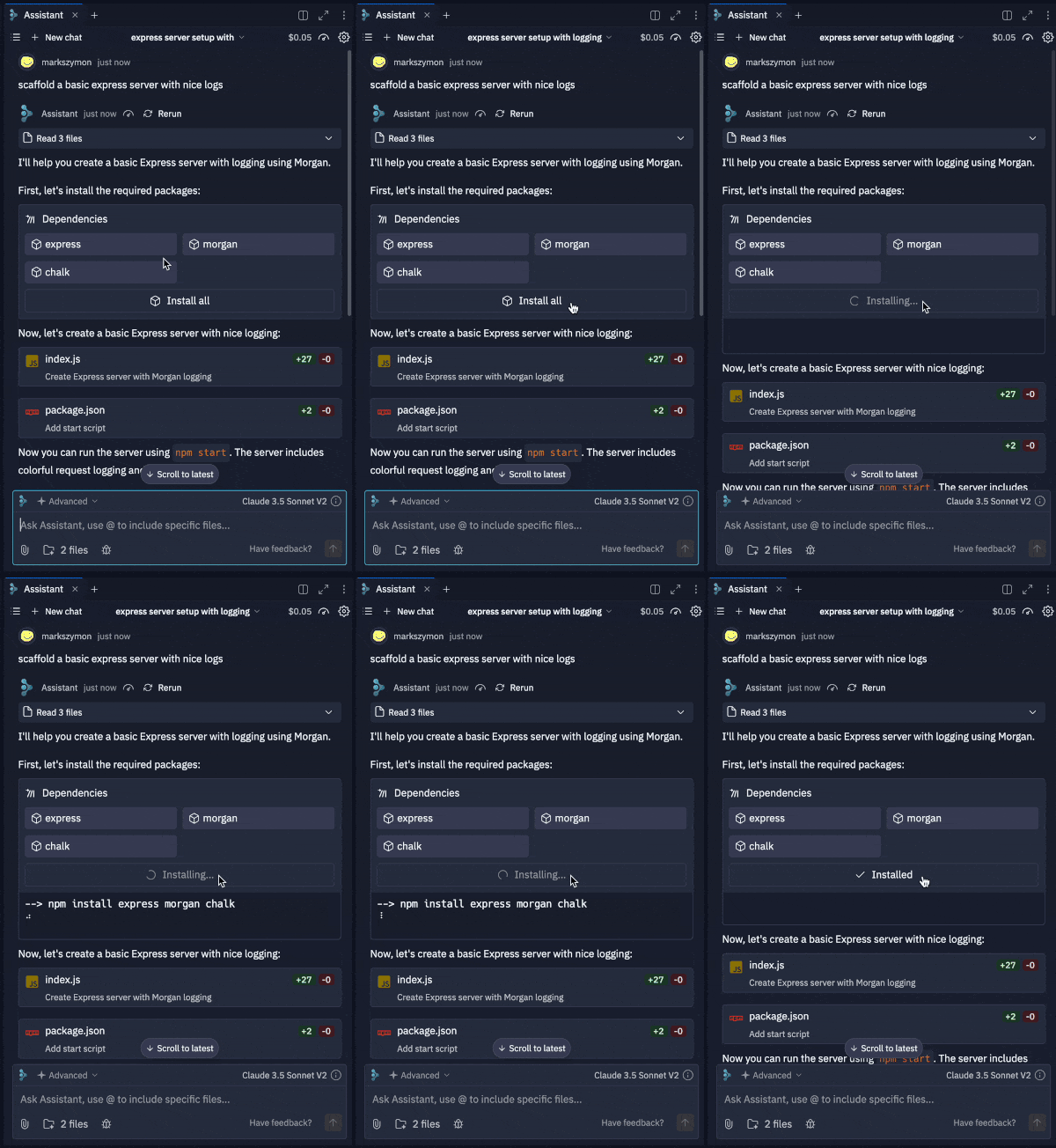
Replit App theming

Your projects just got a major glow-up. No code required 💅 Now, you can ask Agent to build a React Replit App and customize it effortlessly with no-code theming tools:- Change the primary color
- Switch between light and dark modes
- Personalize your app’s aesthetics to be truly yours
Database notifications
You now get a notification when Agent adds a database to your Replit App. Keep an eye out for it in the bottom left.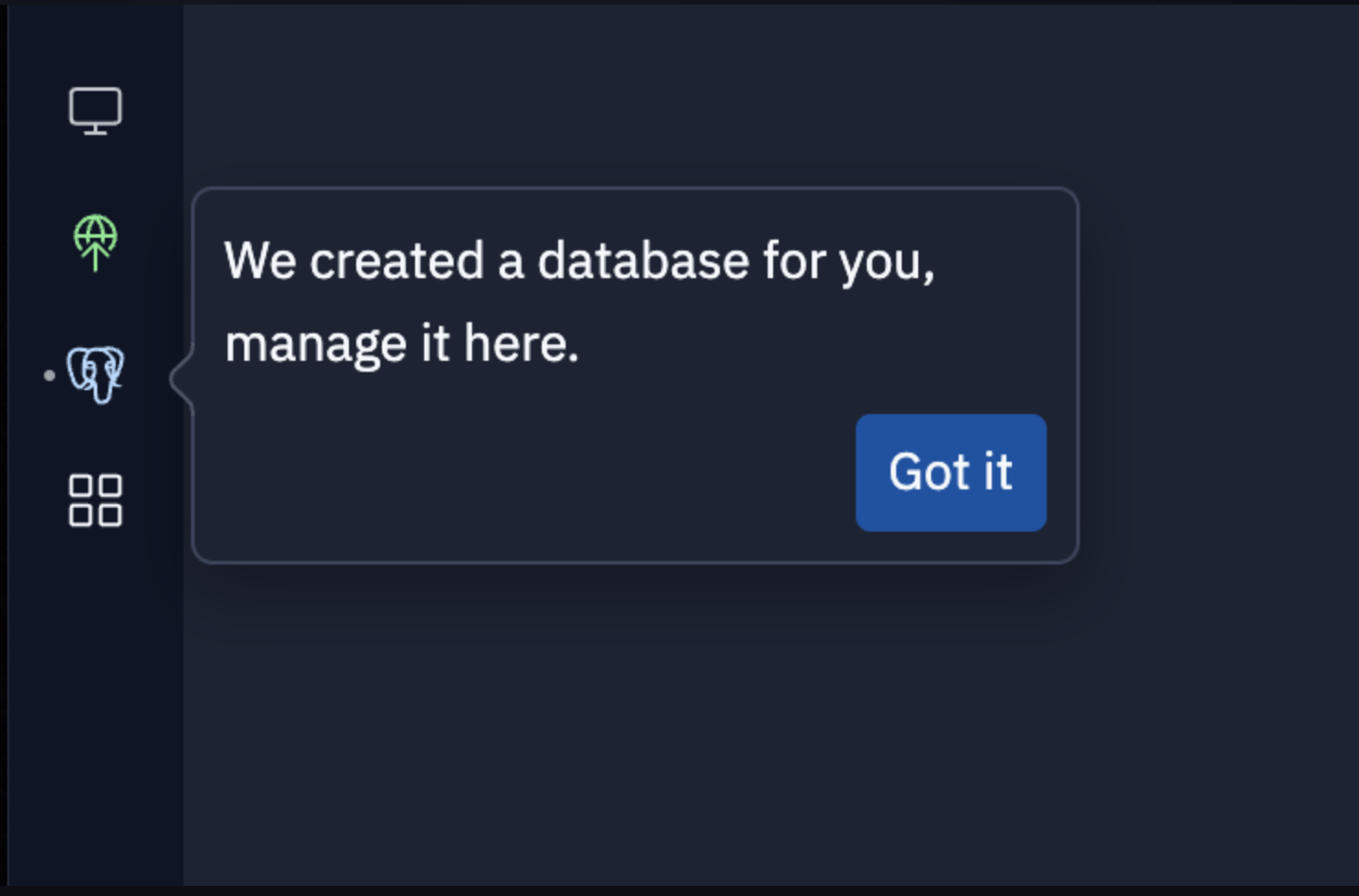
Recommendation system
Agent now suggests the next cool features to build in your app, acting as your creative brainstorming partner. It works like an infinite idea generator that helps guide you from idea to publish-ready software, fast.
Integration visibility
Agent now features enhanced integration visibility, allowing you to better track and manage integrations throughout your workflow. Supported integrations include OpenAI, Stripe, Firebase, and more!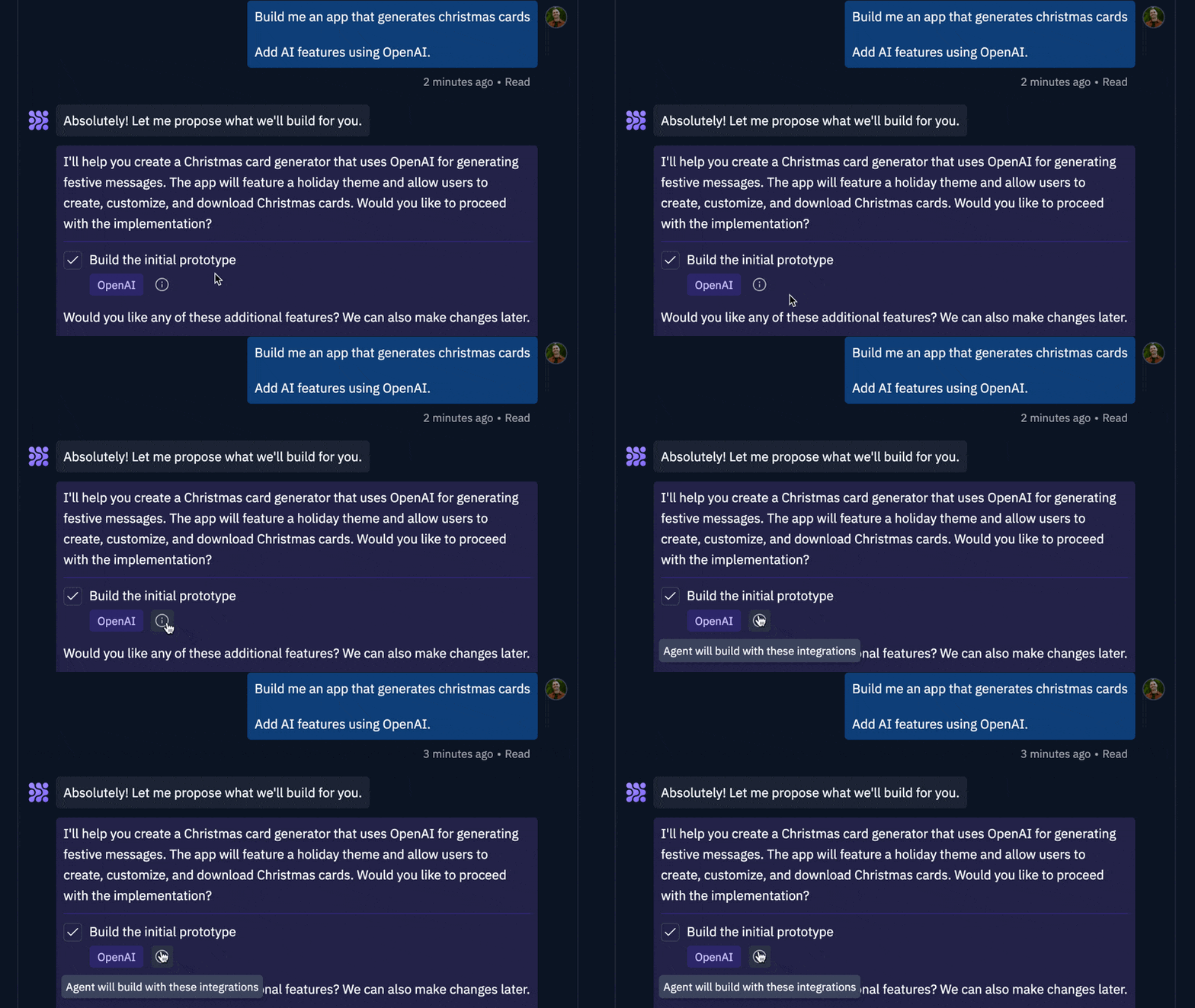
Workflows
A Workflow is an easily configurable “Run” button that can run any command(s) you’d like. It is a reusable, customizable sequence of steps that can be executed within your Replit App. They can be as simple as runningpython main.py or as complex as executing a multi-step procedure.
Example Use Cases:
- Run multiple services in parallel (e.g., frontend + backend)
- Execute files or commands sequentially (e.g., run linter → run tests, compile → execute code)
Command + K.
Check it out here.