Use Replit in ChatGPT, Claude, or Slack
Replit connects natively to ChatGPT, Claude, and Slack. Pick your platform to connect Replit and start building. For prerequisites, plan availability, and troubleshooting, see Replit in ChatGPT and Replit in Claude.
ChatGPT
Open Replit in ChatGPT, connect your account, and start building from a conversation.

Claude
Open the Replit connector in Claude, connect your account, and start building.

Slack
Add Replit to your workspace, then ask Slackbot to build a working prototype from your idea.
Connect an MCP client directly
Use the direct connection when your MCP client does not have a Replit native integration.
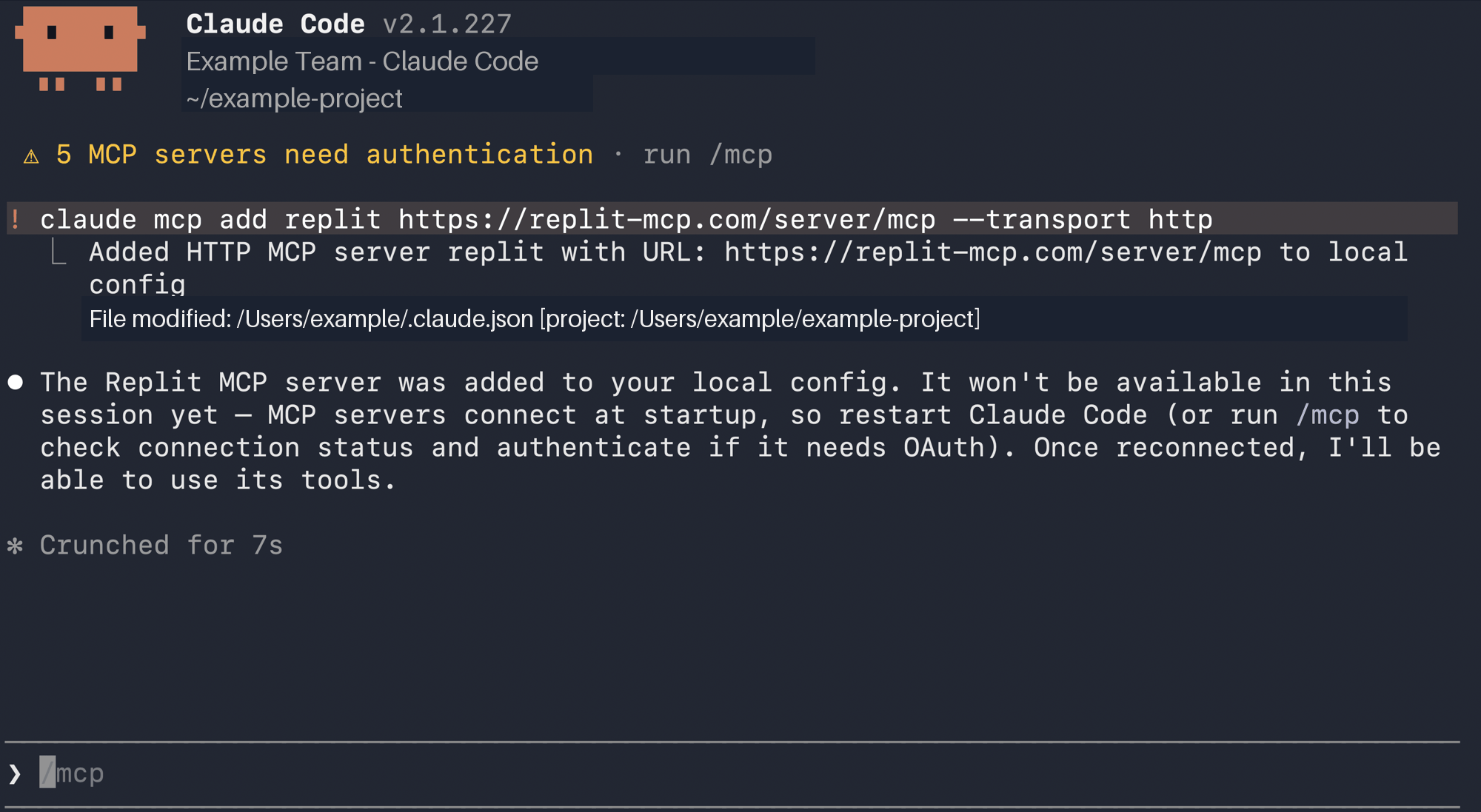
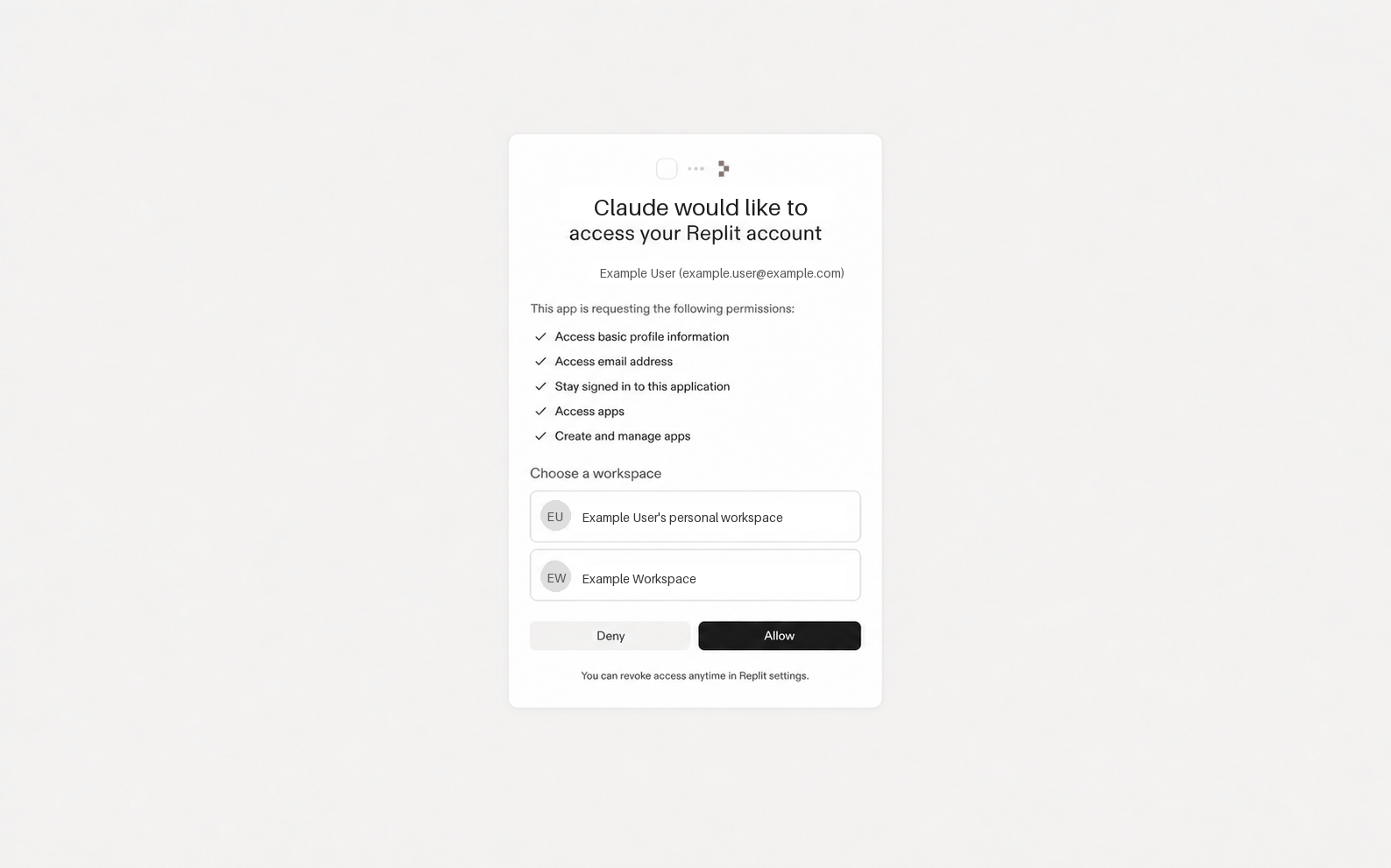
Add the server URL to an MCP client that supports Streamable HTTP and OAuth authorization. The client reads Replit’s protected-resource metadata. Then it prompts you to sign in to Replit.
Do not create a custom OAuth server. The Replit MCP Server provides the OAuth metadata that your client needs.
You can create apps or work with apps that you can edit, including apps shared with you.
Set up Replit MCP
Codex and Claude Code are examples. You can add Replit MCP to any compatible MCP client.- Codex
- Claude Code
1
Open the MCP list
In Codex, open Settings → Plugins → MCPs.
2
Add Replit
Add a custom MCP. Use a descriptive name such as 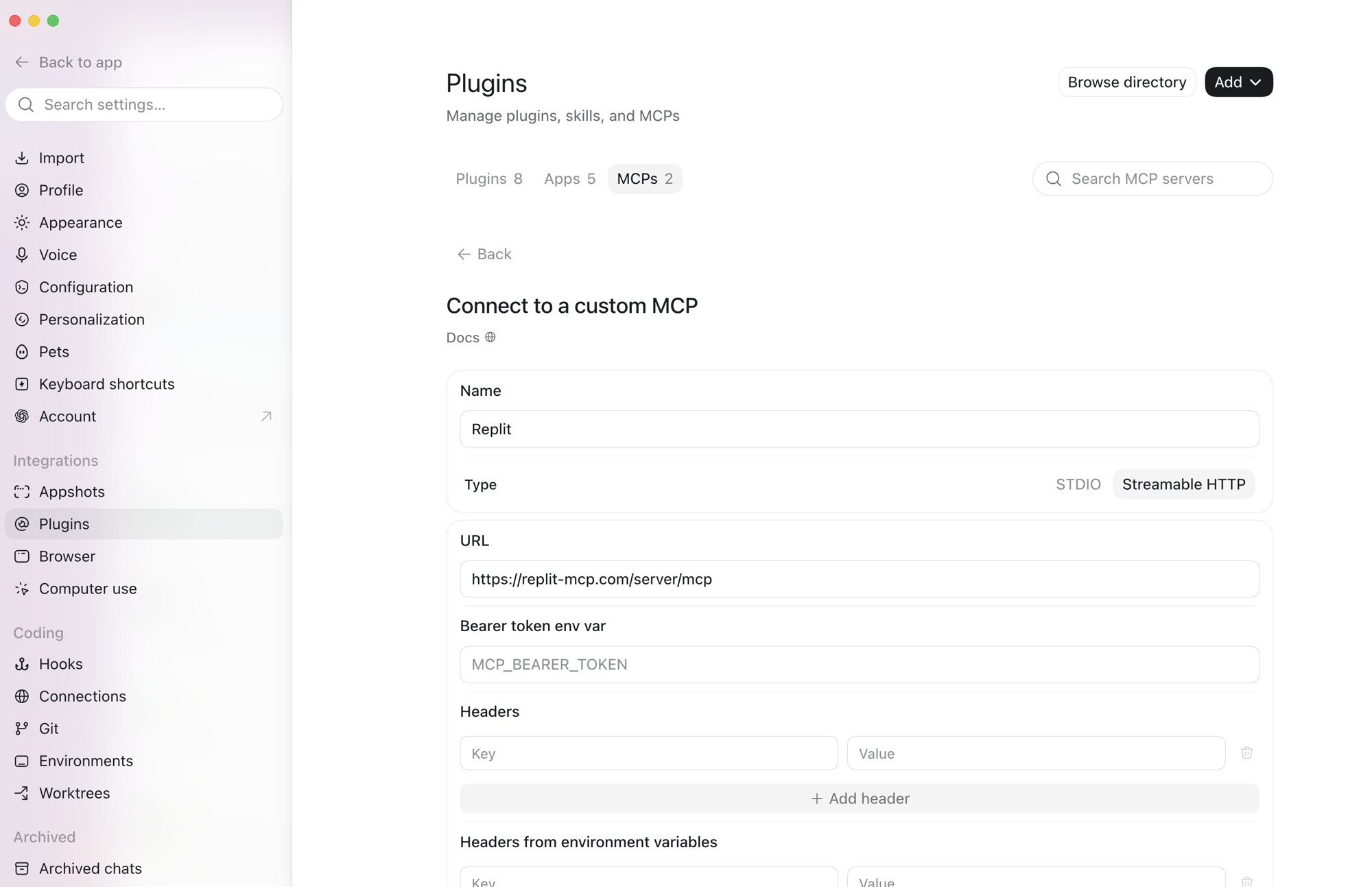
Replit. Select Streamable HTTP. Enter https://mcp.replit.com/server/mcp and save. Do not add a bearer token or custom headers.3
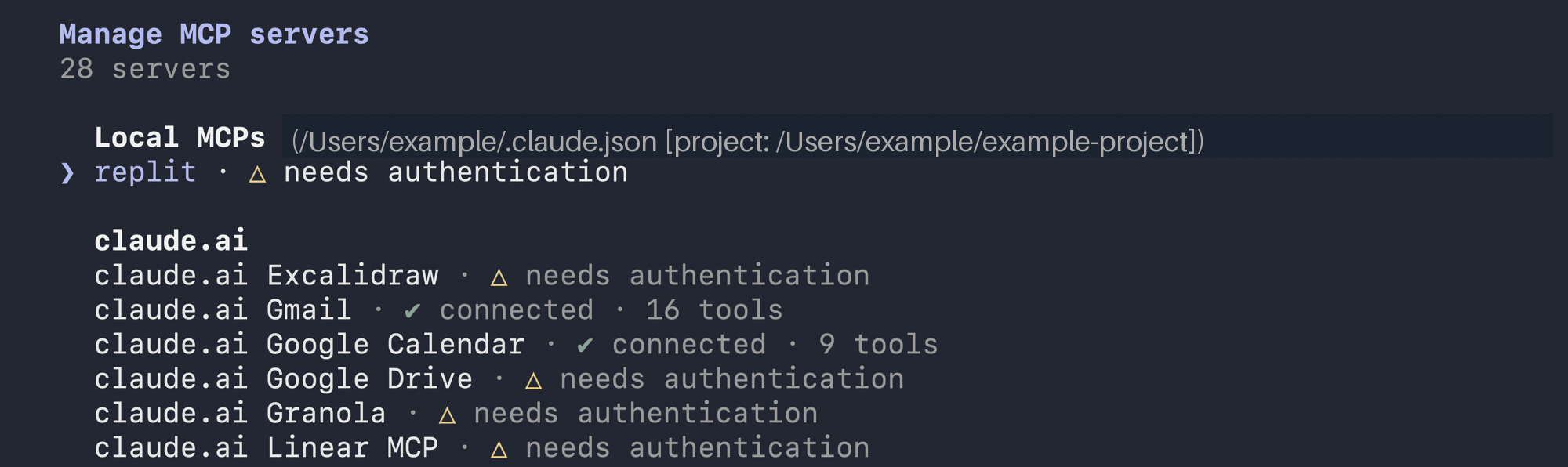
Authenticate Replit
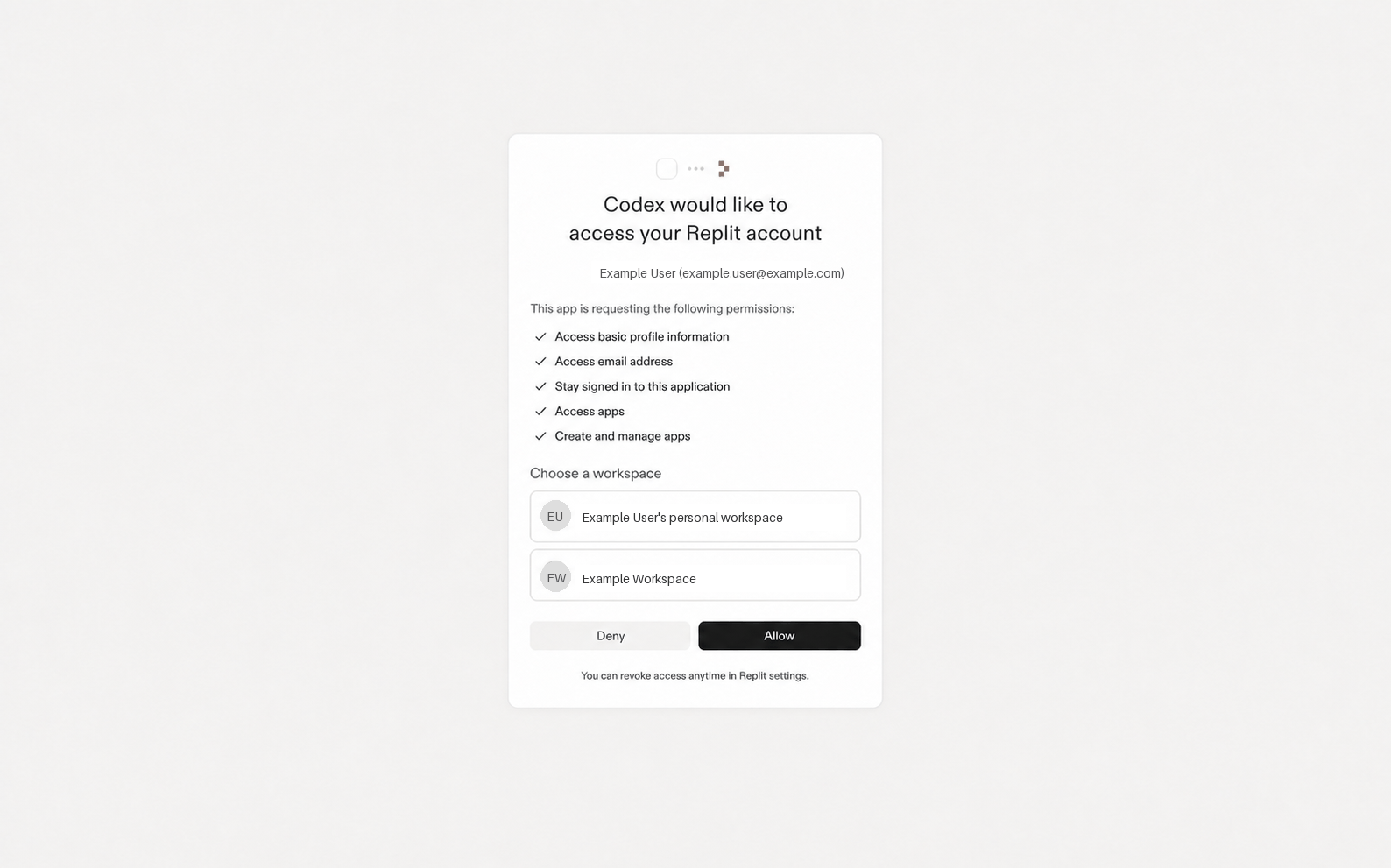
In the MCP list, enable Replit and select Authenticate. Choose the Replit workspace to connect. Then select Allow.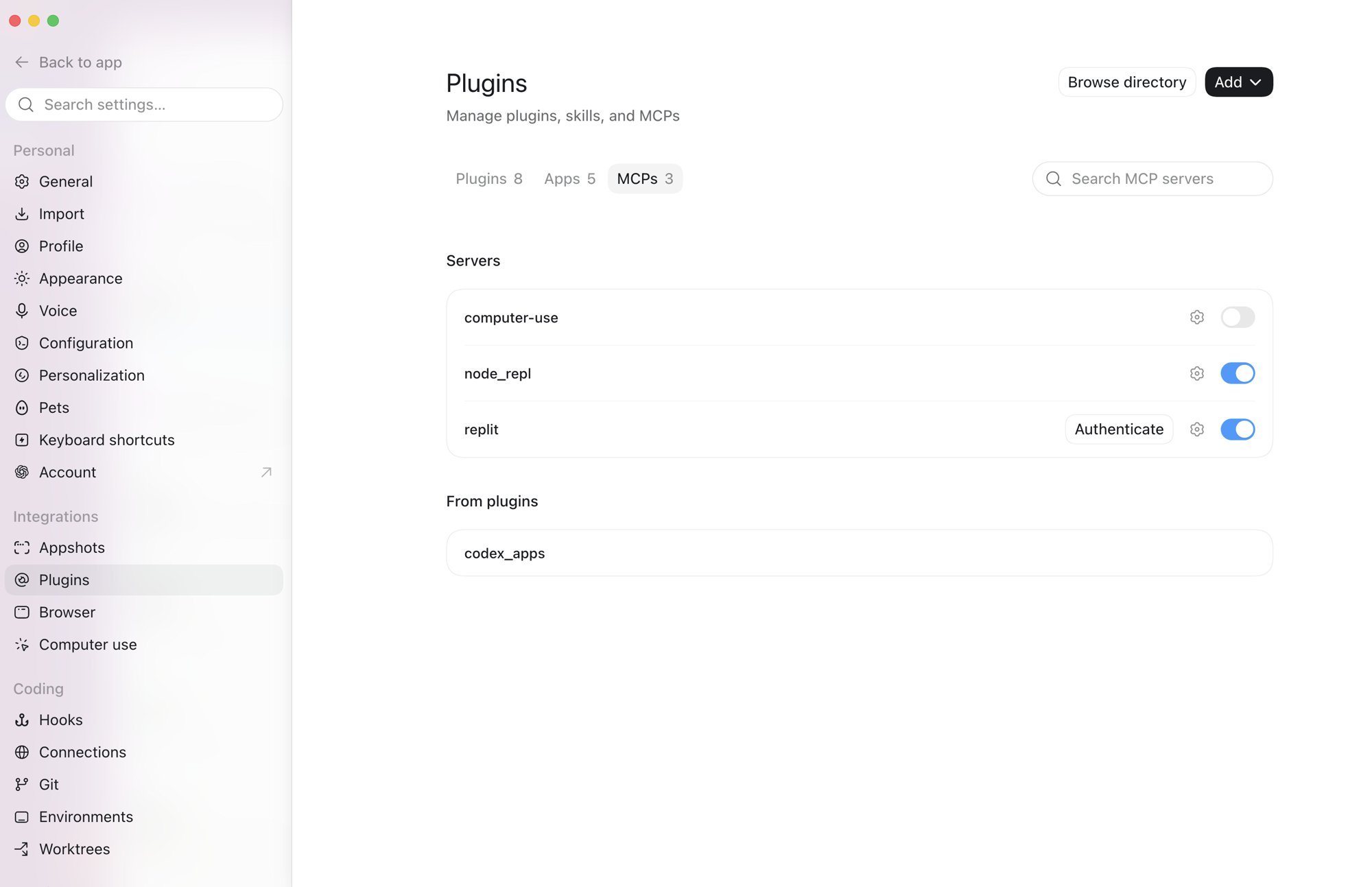
4
Use Replit in Codex
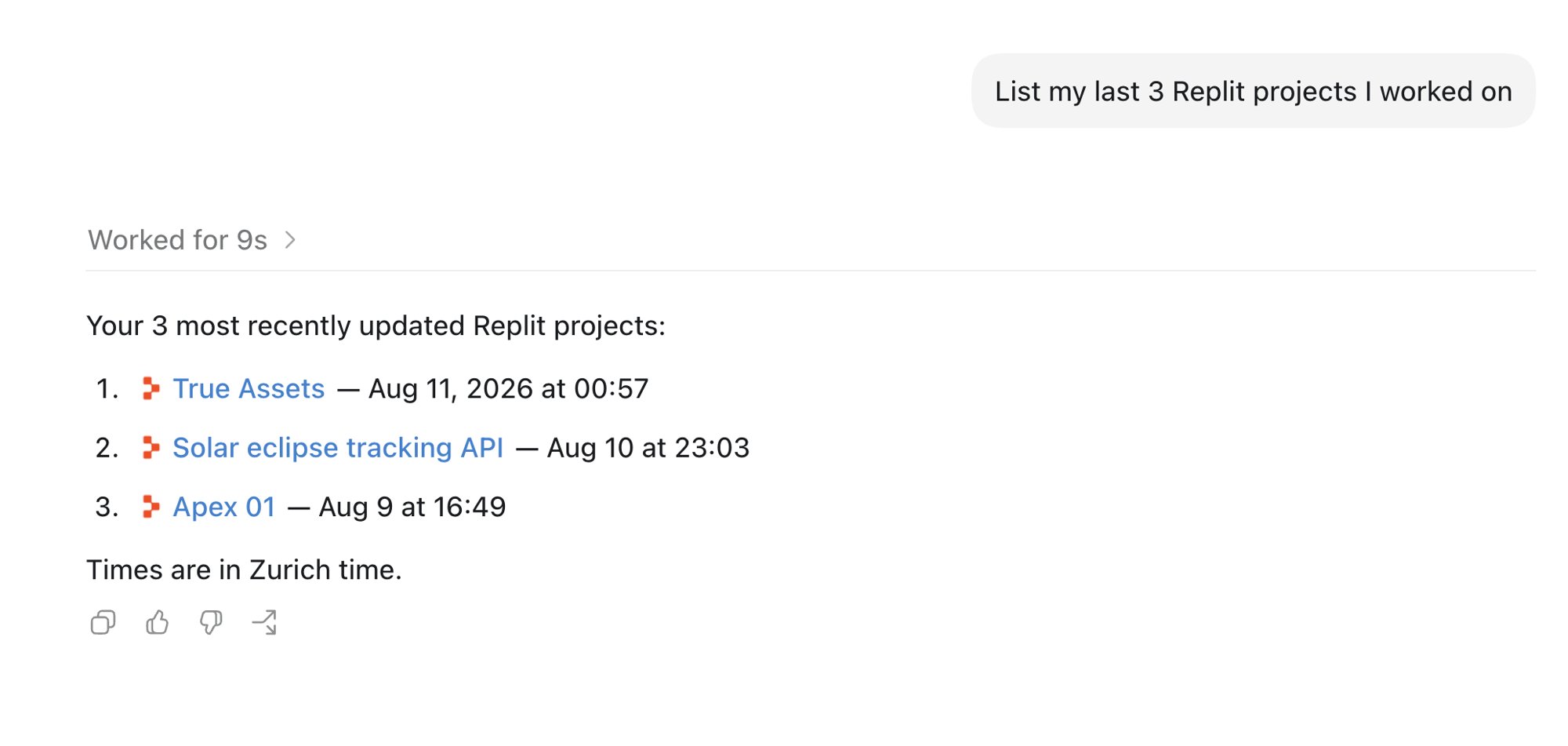
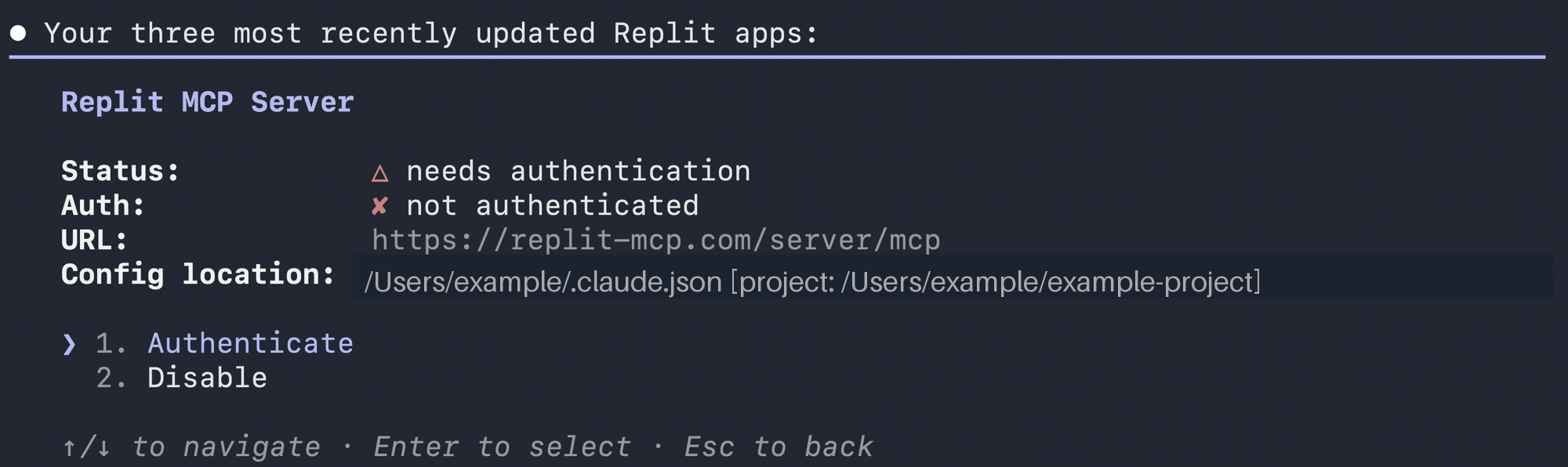
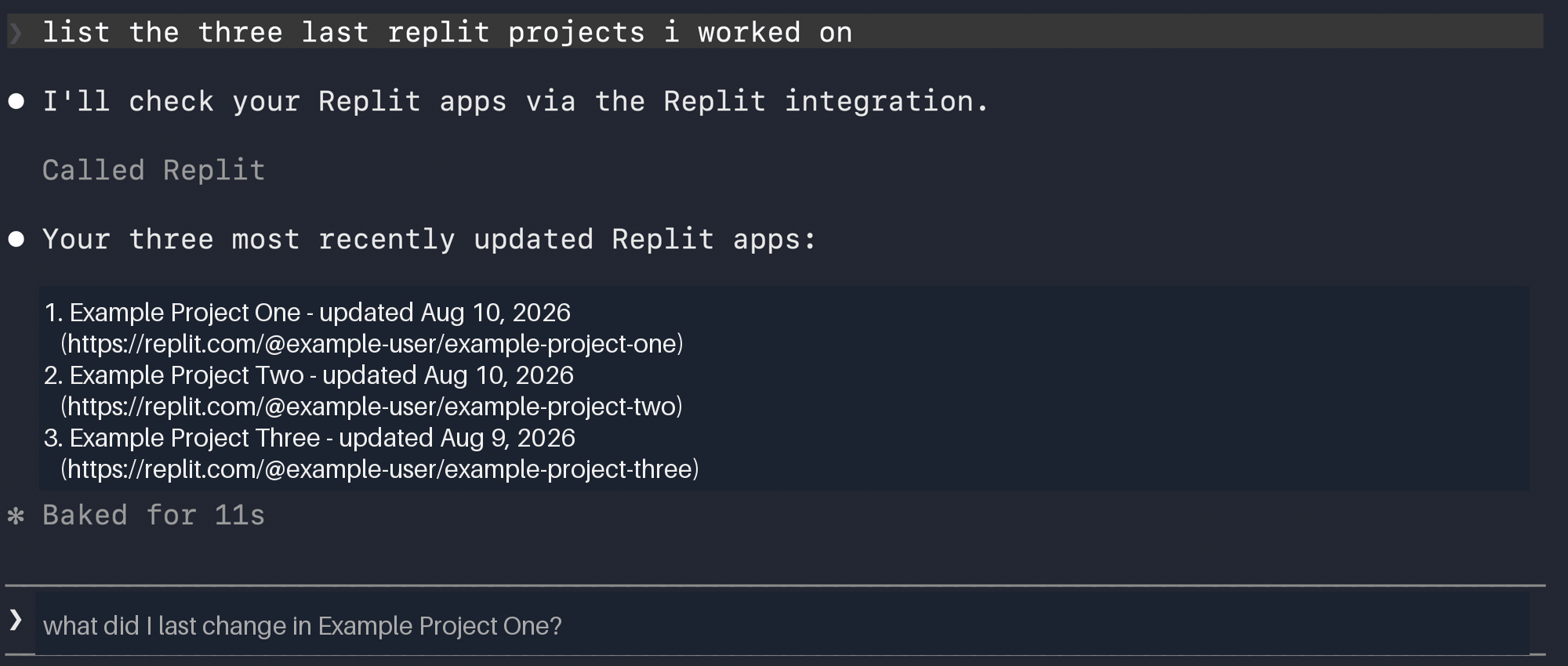
Ask Codex to create, inspect, or update a Replit project. For example, ask: “List my recently updated Replit projects.”