Documentation Index
Fetch the complete documentation index at: https://docs.replit.com/llms.txt
Use this file to discover all available pages before exploring further.
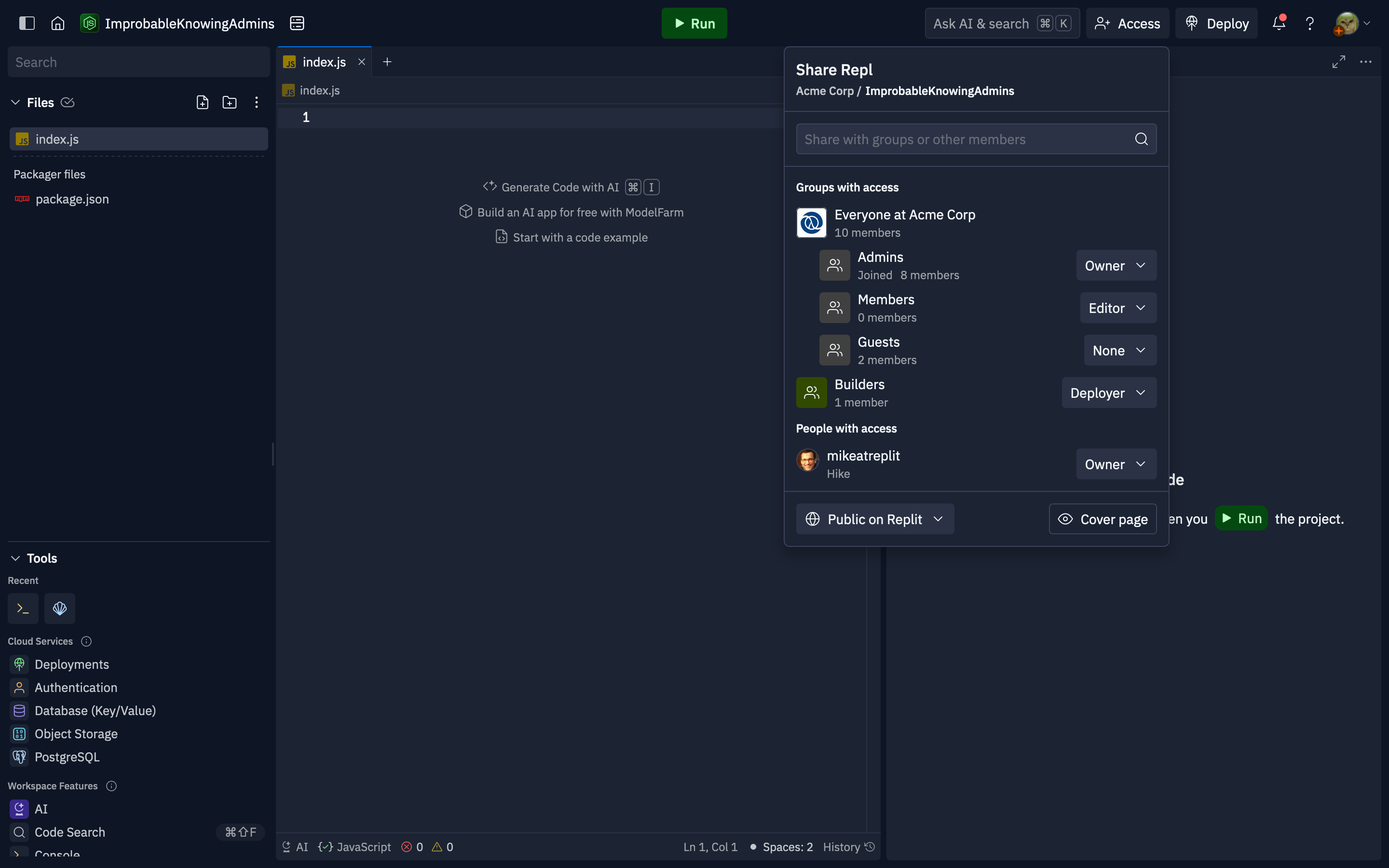
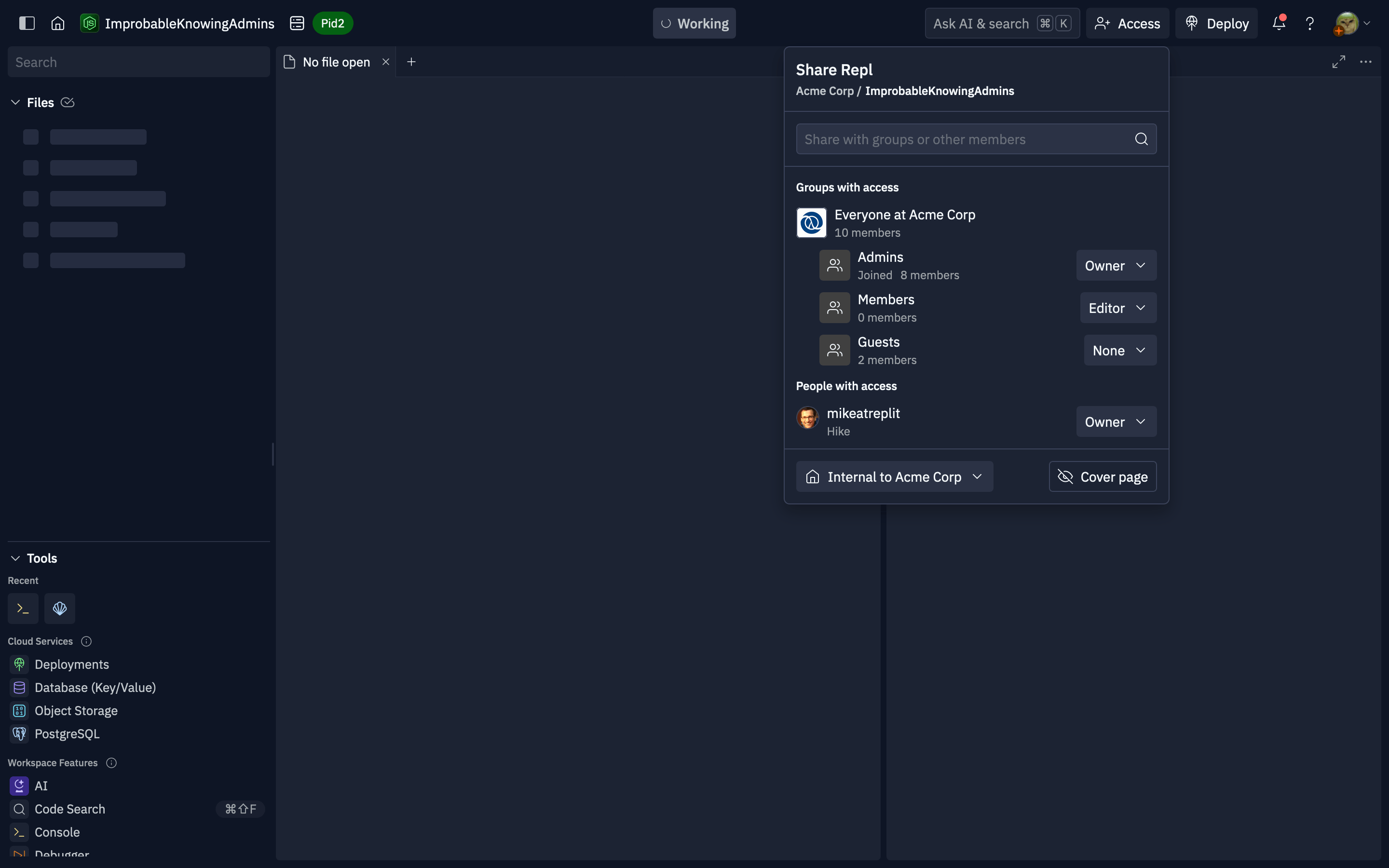
Replit App access may be managed either from the group permissions interface, or from the workspace using the “Invite” button in the header. Users with edit access can change the role for existing groups or individuals, or add roles to new groups or users. All users with access to the Replit App workspace are able to see who has access to the Replit App, even if they can’t manage it.
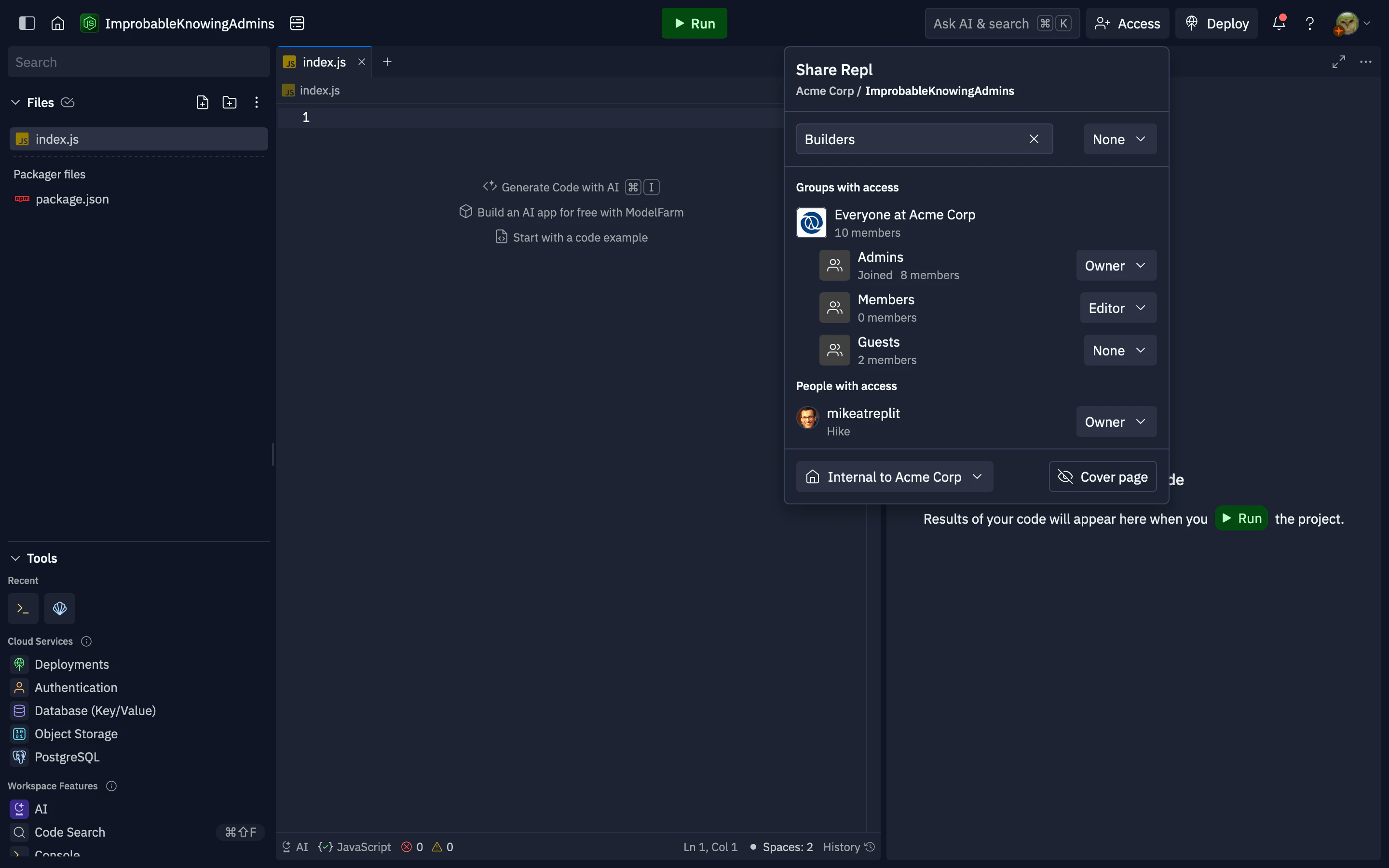
To grant access to a group or member, use the search to locate them by name or username.
After selecting the result, a dropdown for the role selection will appear. After choosing the role, the group or user will be added to the “Groups with access” or “People with access” sections below.
This popover controls who in your organization can see and work on the Replit App, including the internal (organization-only) audience when that option is available. App source code is not available as a platform-wide public to Replit listing; only users and groups you grant access can see that the app exists and open it, according to your org rules.