

About viewer seats
Viewers get read-only access to your team’s projects and deployments. This makes it easier to share your work with stakeholders and collaborators who don’t need edit permissions or a full team license. When viewers open a team workspace, they see the Projects page. They can request a Member seat when they need to create or edit projects. Viewer seats are perfect for:- Internal tool users who are not creating applications
- Stakeholders who need to review project progress
- Teammates who are exploring capabilities of Replit
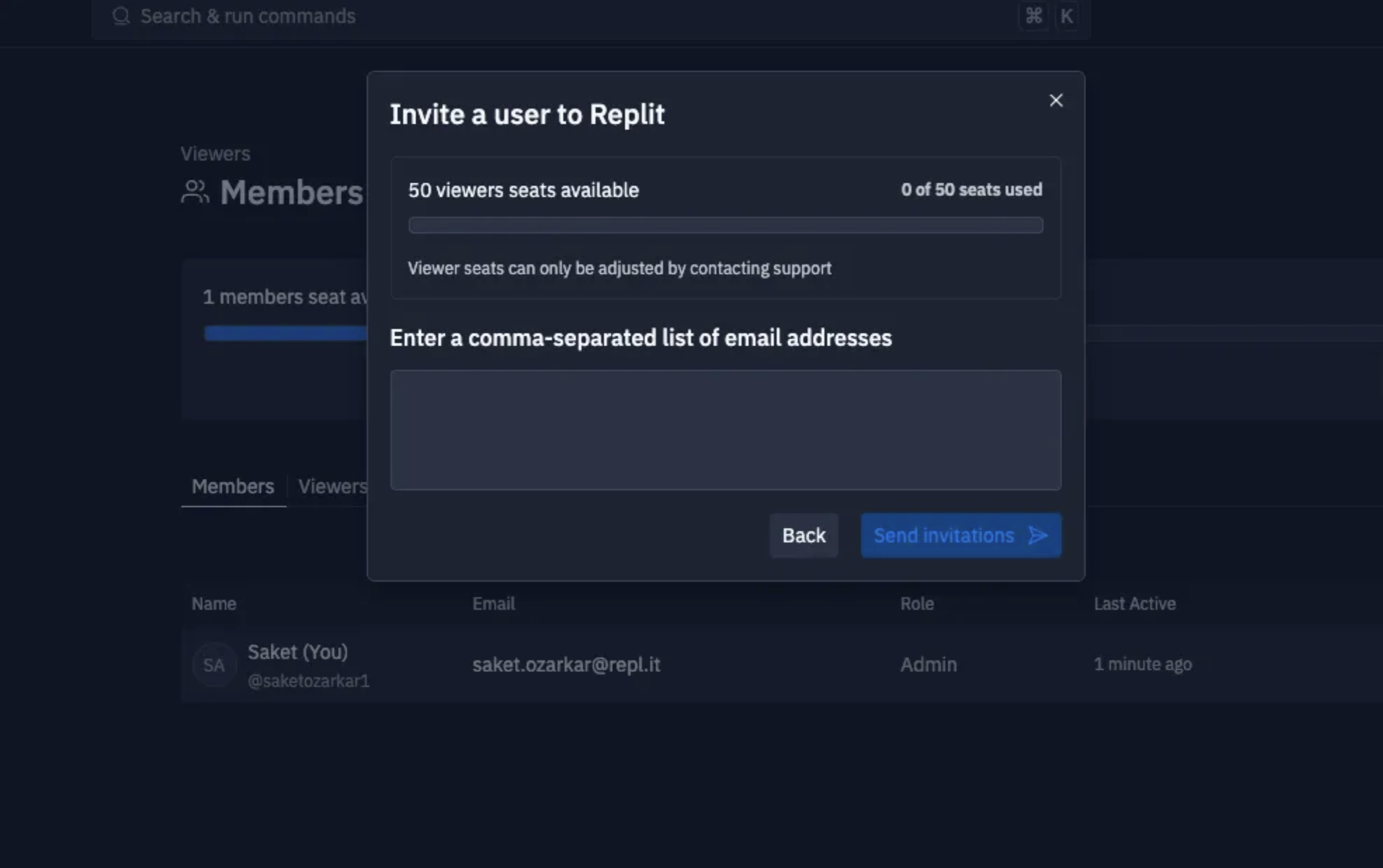
Inviting a viewer
- Navigate to the Members tab in your Organization
- Select + Add
- Choose the Viewer option
- Enter the email addresses of viewers you would like to add in a comma-separated list
- Select Send invites
Viewer access
Updated default access behavior (effective June 9, 2025): Projects created
in organizations are private by default. Viewers need explicit access to
new projects through the Access panel.