

1
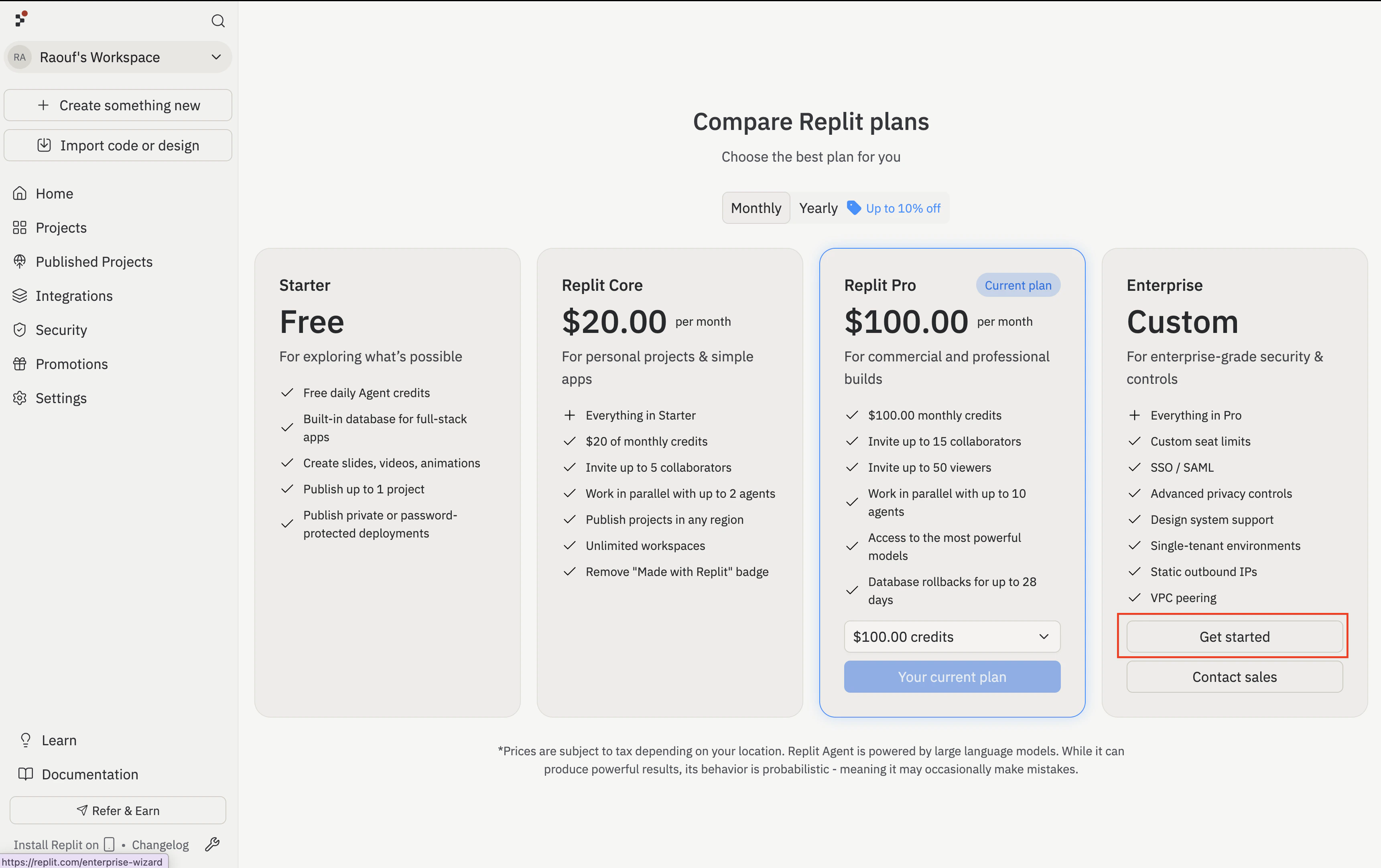
Select Enterprise on the pricing page
Open the Replit pricing page, locate Enterprise, and select Get started.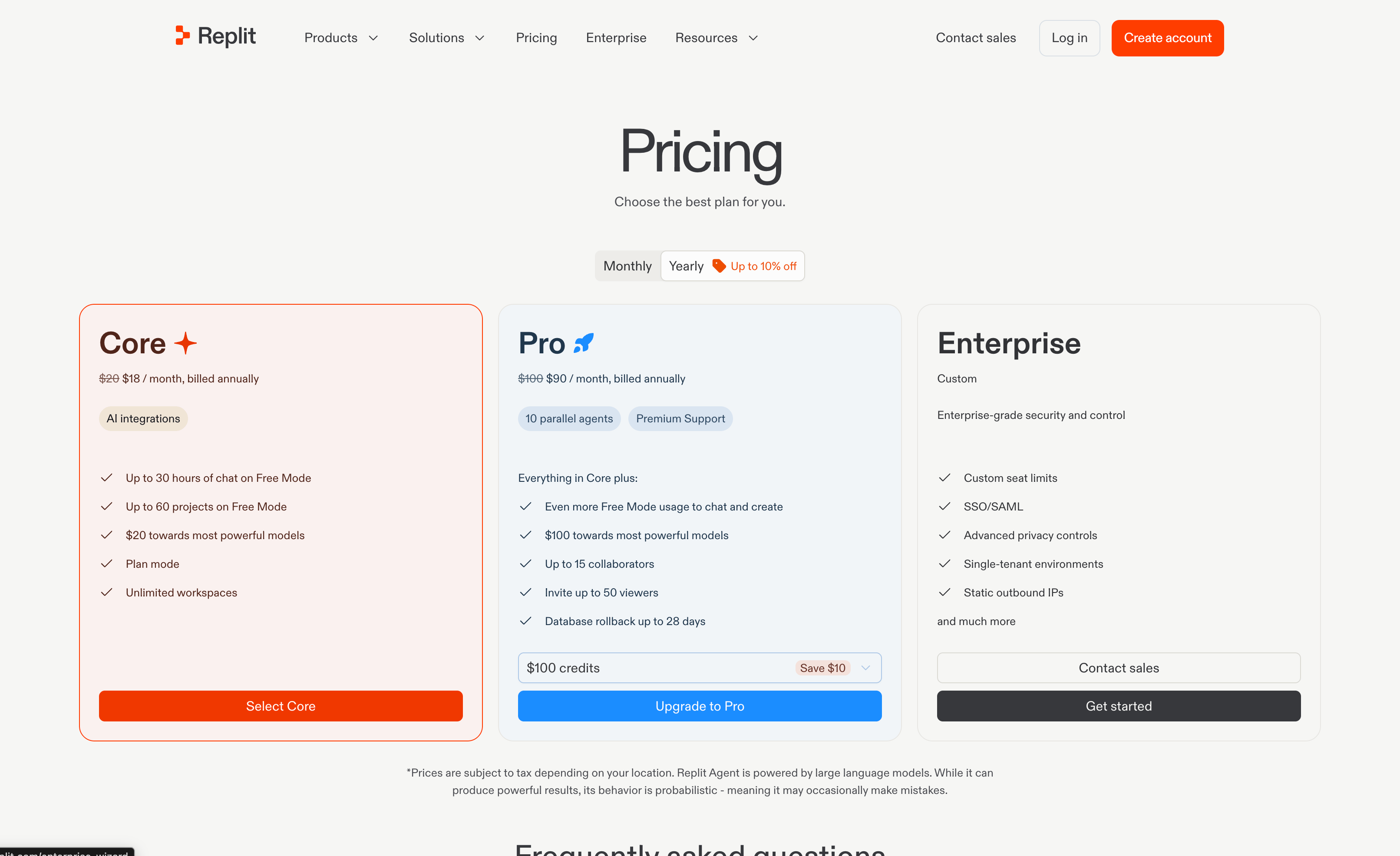
If your company already has an Enterprise subscription, ask an existing administrator to invite you instead of starting another subscription.
2
Create an account or log in
Log in with the Replit account you want to use to administer your organization. If you don’t have an account, select Sign up at the bottom of the page to create one.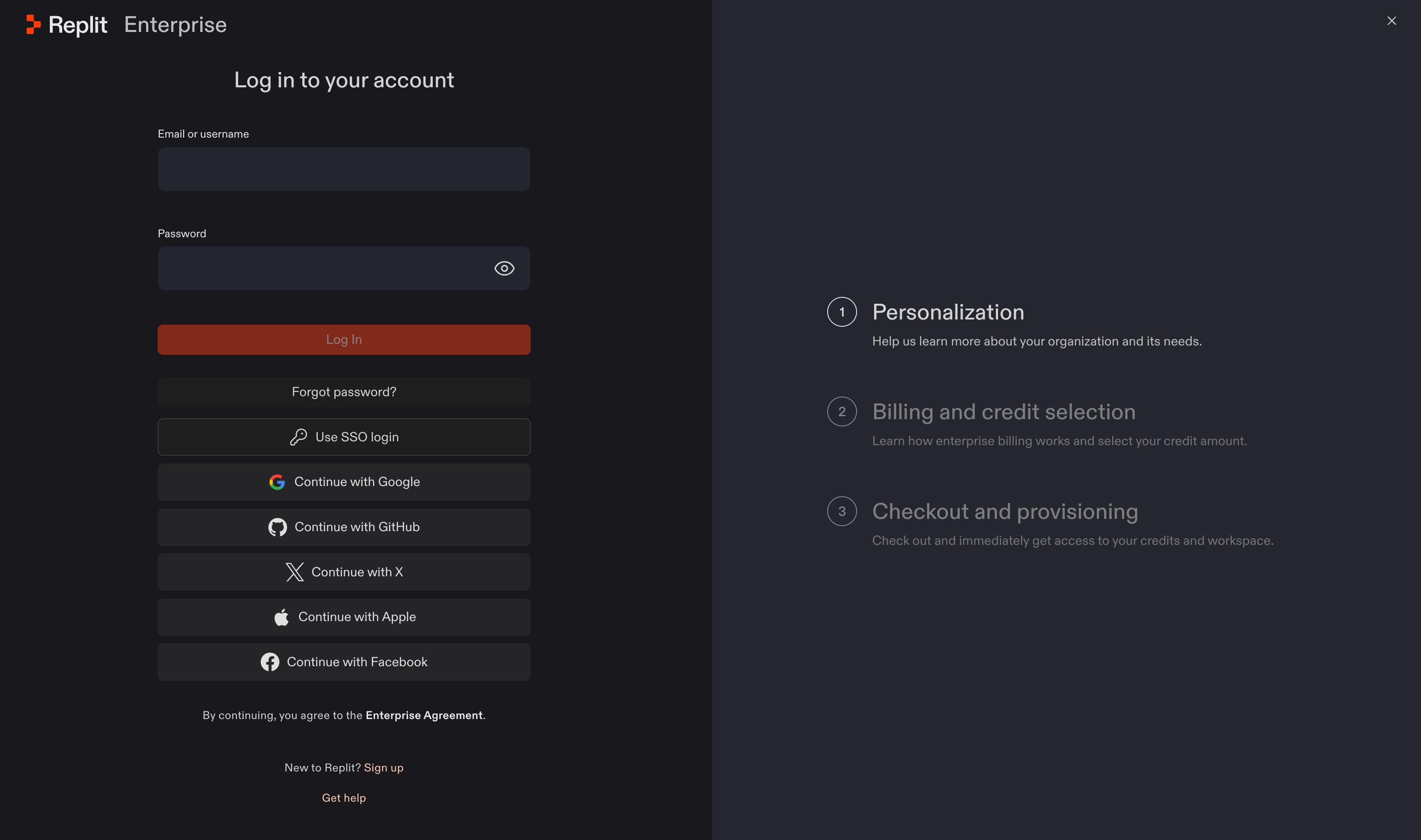
Alternative: upgrade from an existing account
Alternative: upgrade from an existing account
If you’re already signed in to Replit, you can start from Billing in Settings instead. Select Upgrade next to Change plan.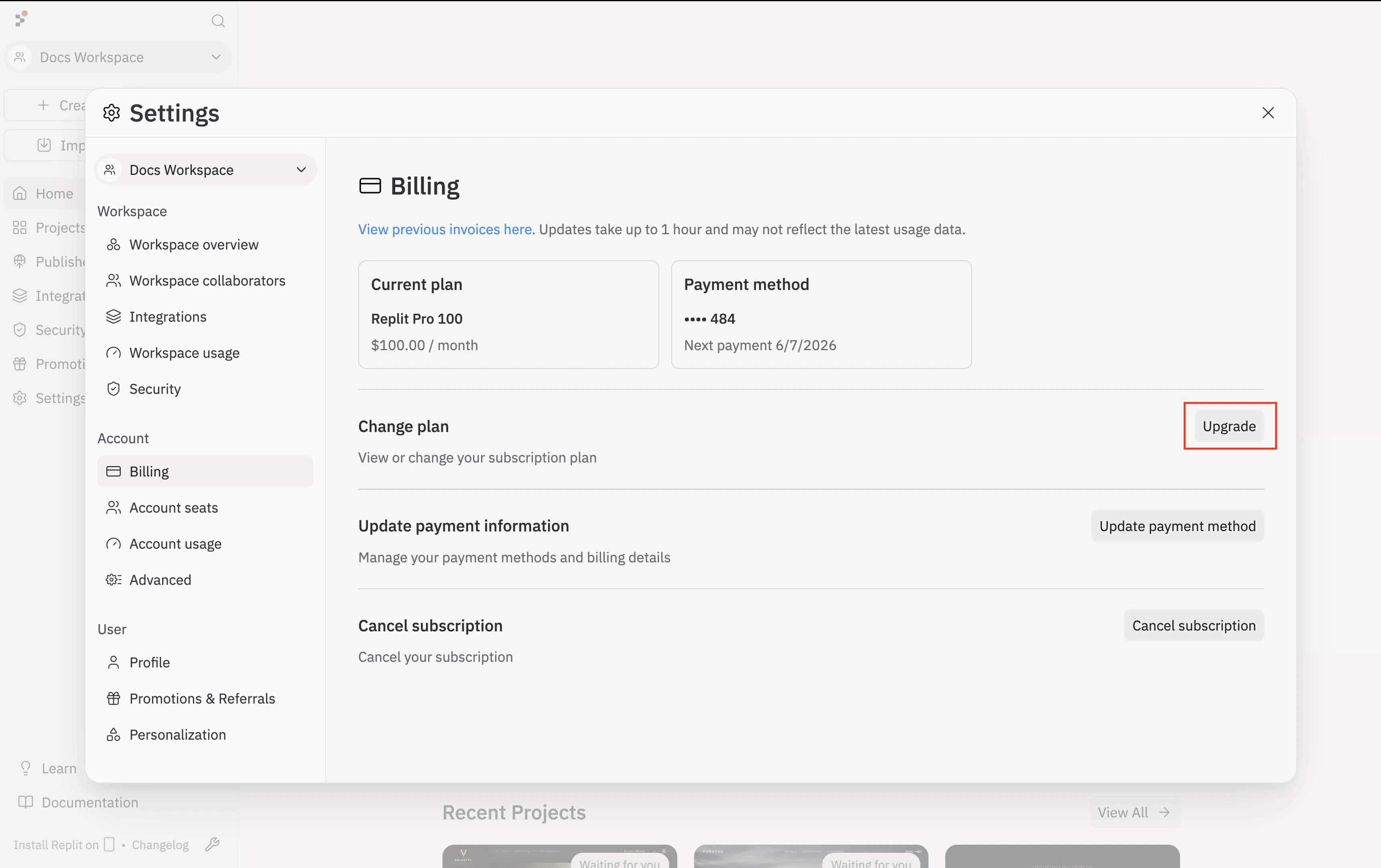
3
Name your organization
On the Personalization step, enter your Organization name and select Continue.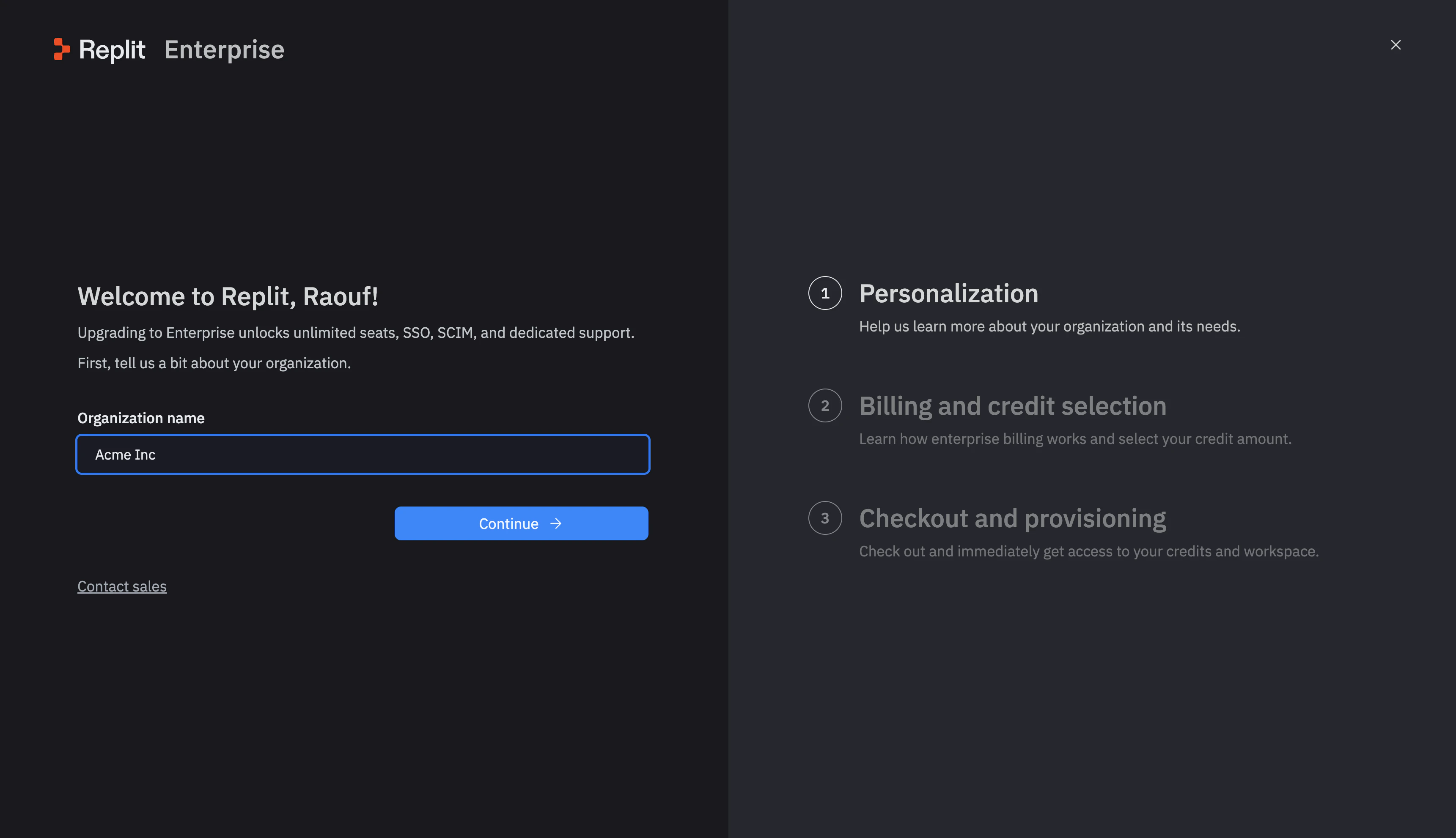
4
Review billing and your credit commitment
Review the How billing works screen, which explains the annual credit commitment and pay-as-you-go usage after you reach your credit limit. Select Continue.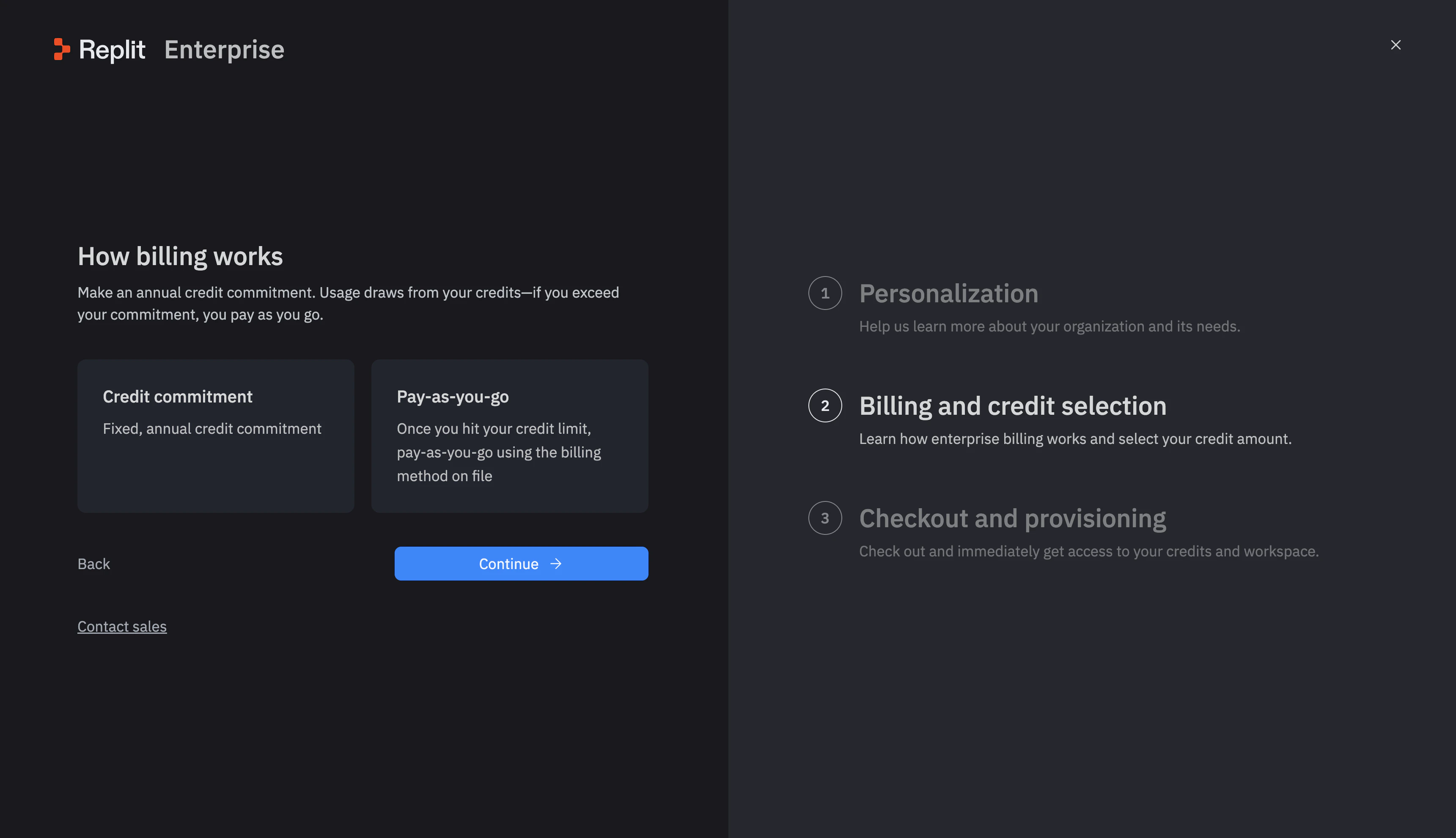
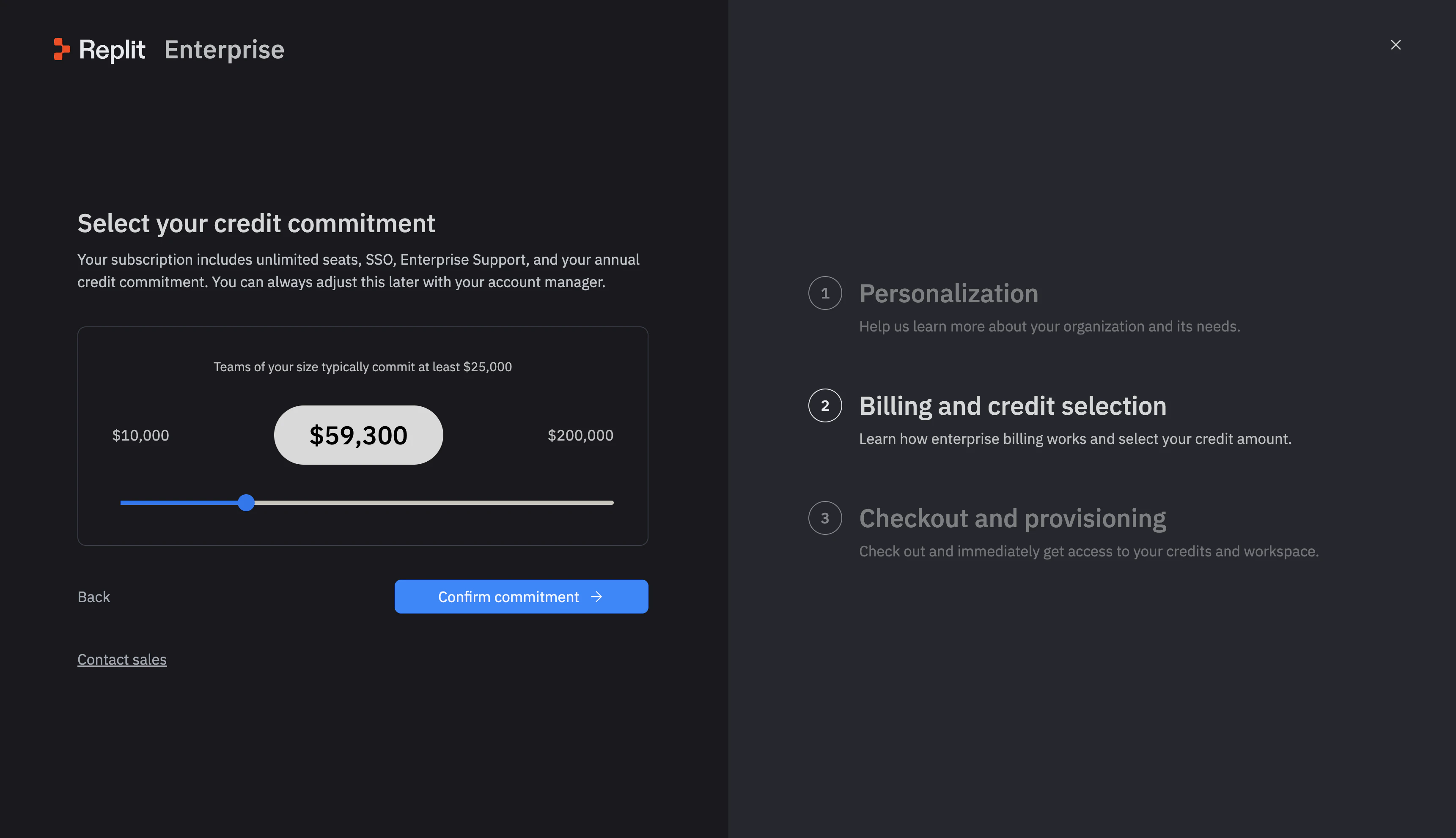
5
Complete checkout
On Checkout and provisioning, enter your billing details and review the plan, credit commitment, and billing terms before completing your purchase.After checkout, continue to Create your Workspace.
Next step
Create your Workspace
Set up the shared space where your team builds.